
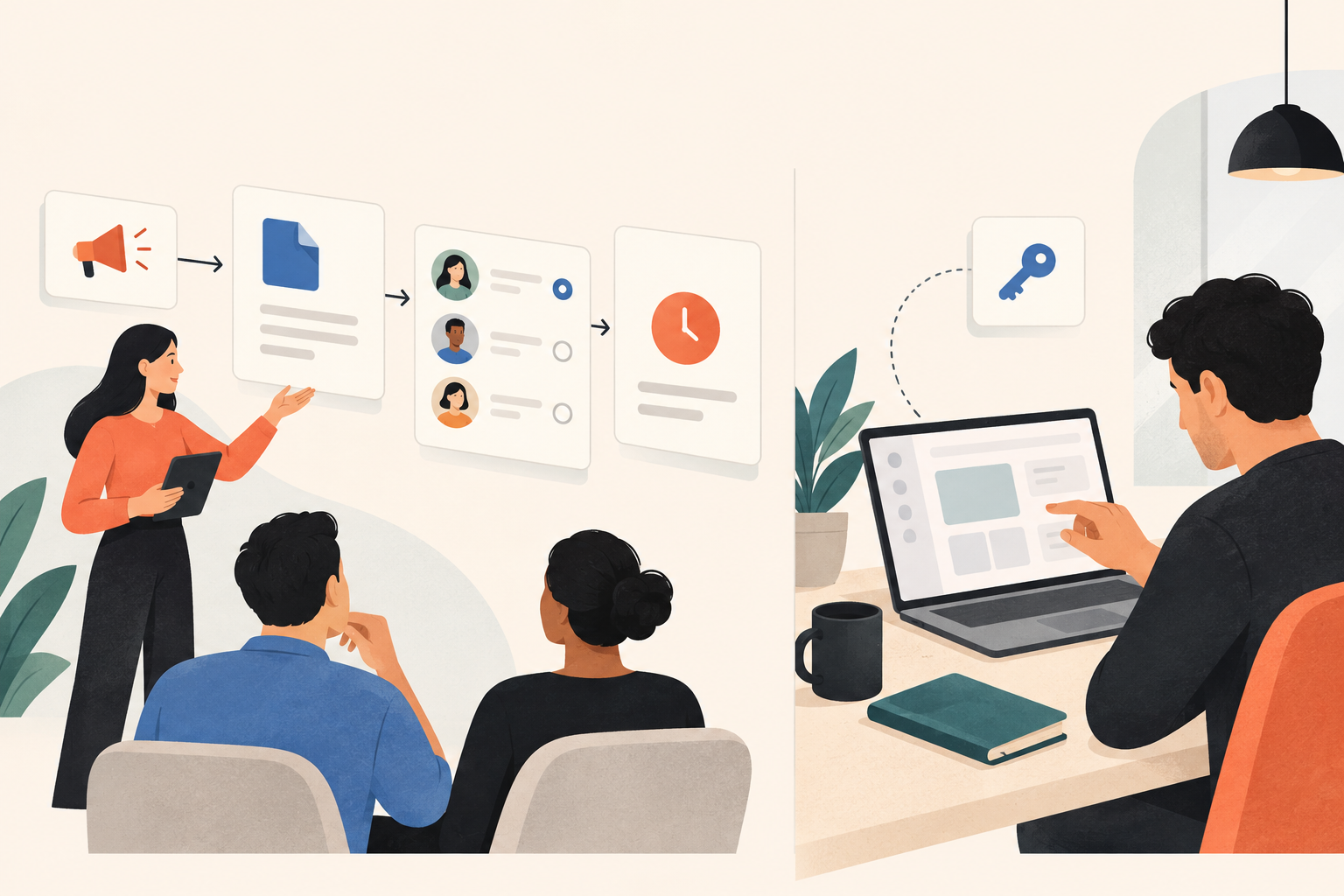
The launch email links to a polished release page. Sales shares it with open opportunities. Then a customer replies: “Where do I turn this on?” Nobody owns that answer, and the announcement has sent users looking for a setting they don’t have permission to change.
A SaaS feature launch plan should explain who the release is for, show the workflow it improves, and give each audience a next action they can actually take. Use an interactive walkthrough to make the change understandable, then provide a clear handoff into setup or real product use. Track demo engagement and feature adoption separately: understanding a workflow isn’t the same as using it.
What should you decide before writing a feature announcement?
I’d start with the moment someone needs the feature, not the release notes. Release notes describe what changed. A launch needs to explain why someone should interrupt their work to care.
Consider an illustrative launch: a project management platform adds approval routing. “Approval routing is now available” is accurate but thin. “Send a client deliverable to its reviewer without chasing an answer in chat” gives the release a recognizable purpose.
That promise also sets a boundary. If the feature routes requests but doesn’t escalate overdue approvals, don’t imply that it eliminates every follow-up. Sales will inherit whatever ambiguity the announcement creates.
Before producing assets, put these decisions in a short launch brief:
- Audience and trigger: Who encounters this problem, and what has just happened when they need help?
- Visible outcome: What will they accomplish differently?
- Access conditions: Which plans, permissions, or rollout restrictions apply?
- Proof: Which product interactions demonstrate the promised improvement?
- Next action: Should the reader configure, try, share, or discuss the feature?
- Ownership: Who approves the workflow, answers launch questions, and maintains the assets?
Leave channel selection until these answers are clear. A webinar won’t resolve an undefined audience, and a better subject line won’t fix a next step that requires unavailable permissions.
Should prospects and customers get the same walkthrough?
Sometimes. But sharing an interest in the same feature doesn’t mean sharing the same task.
A prospective buyer wants to know whether approval routing fits their process. An existing administrator needs to understand configuration. A daily user may only need to submit work and find the reviewer’s decision. Sending all of them through an administrator setup sequence is convenient for the launch team, not necessarily useful for the audience.
| Audience | Question the walkthrough must answer | Useful next action |
|---|---|---|
| Prospective buyer | Would this fit our approval process? | Discuss requirements or explore the relevant workflow |
| Customer administrator | What must I configure before people can use it? | Review prerequisites and open setup instructions |
| Daily user | How do I submit work and see what happened? | Try an eligible task in the actual workspace |
Start with the audience whose behavior determines whether the launch succeeds. If customers can’t use the feature until an administrator configures it, administrator education is a dependency—not a follow-up you can leave until later.
You can reuse screens across audiences. Just don’t mistake a different introduction for a different experience. The choices, explanation, and ending need to match the viewer’s job.
How do you build a walkthrough that teaches the new workflow?
Open where the problem becomes visible. For approval routing, that might be a finished deliverable waiting for review. Skip the dashboard tour unless the dashboard explains something the viewer needs.
Dale, the interactive demo platform, lets teams capture product screens without code and turn them into self-guided interactive demos. That fits a feature launch when people need to see the workflow before scheduling a call or configuring an account.
Show cause and effect, not a sequence of tooltips
A click should teach something. Selecting a reviewer establishes responsibility. Submitting the request moves the work into review. Showing the resulting status explains what the requester can expect next.
Be careful with the transition from submission to approval. If the walkthrough shows an approved deliverable, explain that a reviewer has acted. Otherwise, a tidy demonstration can accidentally suggest that submission produces automatic approval.
- Establish the situation. Show the deliverable and why it needs review.
- Explain the meaningful choice. Identify the reviewer or routing rule and why it applies.
- Demonstrate the action. Submit the request without narrating every incidental control.
- Show the resulting state. Make the status and next responsible person clear.
- Hand off to real work. Give the viewer a next step appropriate to their access and role.
Read the script without looking at the screens. If it sounds like “click here, then click here,” it’s describing navigation rather than explaining a task. Replace those instructions with the reason each action matters.
Choose the simplest demo structure that serves the task
For a narrow release, a single-experience demo focused on one feature is a sensible starting point. A linear demo suits guided topics or a role-based sequence. Use a branched demo when industry, use case, or role genuinely changes the journey.
I wouldn’t ask visitors to select their industry if every choice leads to the same screens. That’s another decision for the visitor without a better explanation in return.
Keep the scope narrow enough that the ending still answers the opening promise. A feature walkthrough doesn’t need to become a complete product tour just because the surrounding interface is available to show.
How do you coordinate the launch without creating an asset backlog?
Work backward from the action you want, not from a list of channels you feel obliged to fill. For the approval-routing example, the essential materials might be an administrator setup explanation, a requester walkthrough, and a short internal brief. A webinar can wait unless there’s something worth discussing live.
Give one person ownership of the launch message, usually the product marketer. Have a product partner validate behavior and availability, a customer success partner test the setup handoff, and a seller check the explanation against likely buyer questions.
Ask reviewers specific questions. “Any feedback?” invites copy preferences. “Could an administrator follow this and know what to configure?” exposes missing information.
Sequence distribution around readiness:
- Before public communication: Confirm access conditions, publish supporting instructions, and brief customer-facing teams.
- At announcement: Put the relevant walkthrough beside the release promise, whether shared by link or embedded on the launch page.
- After engagement: Follow up with the missing decision or setup guidance, not another copy of the announcement.
- After initial use: Collect recurring questions and revise the specific explanation that caused confusion.
Keep approved links and release conditions in one place. For sales enablement around the new capability, include what the feature does, what it doesn’t do, who can access it, and when a live discussion is preferable. Demo automation can reduce repeated explanations; it can’t compensate for contradictory claims.
How do you move customers from a demo into actual use?
A captured-screen walkthrough is rehearsal. The customer’s workspace is where permissions, configuration, and process ownership become real.
“Try it now” is a poor ending if the viewer first needs an administrator. Be explicit: “Ask your workspace administrator to configure approval routing, then submit a test deliverable in your workspace.” Use the actual prerequisite for your product, not this illustrative wording by default.
Put eligibility information early enough to prevent a wasted journey. Someone shouldn’t finish a setup walkthrough before learning their account isn’t included in the rollout.
For training and onboarding after the launch, keep reference material close to the task. Attachments inside demos can provide a setup guide or permissions explanation. Choose the document that helps the viewer take the next step; don’t attach the entire help library.
Then listen to the questions customer success receives. If people understand submission but can’t identify who approves, repair that explanation. Adding more introductory screens will only make everyone spend longer reaching the same unresolved question.
Which metrics show whether a feature launch worked?
Agree on success before the announcement goes out. Otherwise, the easiest number to retrieve tends to become the headline, whether or not it describes the behavior you wanted.
Separate three kinds of evidence:
- Reach: Did the intended audience encounter the message? Use email and website reporting, with audience eligibility in mind.
- Demo engagement: Did viewers start or complete the walkthrough, click a link, or download supporting material?
- Product adoption: Did eligible accounts configure the feature, complete the target workflow, and use it again when relevant?
Dale provides buying intent signals from demo activity, including who viewed, started, and completed demos, clicked links, and downloaded documents. These help sales choose relevant follow-up. They don’t show that the viewer completed an approval in your live product.
In the illustrative approval-routing launch, activation could mean an eligible account completing an approval in its actual workspace. Configuration alone would be a useful intermediate event, not the finish line. Define repeat use around the real cadence of the task: a monthly approval process shouldn’t be assessed against daily activity.
Use the gaps to decide what to investigate. Strong demo completion with weak activation could indicate setup friction, missing access, or unclear ownership. Few starts might point to poor placement or an unconvincing promise. Treat these as hypotheses, not diagnoses supplied by the metric.
And keep account context attached to follow-up. A prospect exploring the workflow may welcome a requirements conversation. An existing administrator downloading setup instructions probably needs help implementing it, not a sales pitch.
What should you check before publishing?
The final review should test the promise against the product, not just proofread the copy. Ask someone who didn’t build the walkthrough to follow it and describe what they think happens next.
- The opening names a recognizable problem and audience.
- Screens match the released workflow and contain no sensitive customer information.
- Permissions, availability, and limitations are accurate.
- The final link leads to an action the audience can take.
- Shared links and embeds work in their intended locations.
- A named owner will review the asset when the product changes.
If you’re evaluating interactive demo software, use the Dale interactive demo to inspect the experience, then check Dale pricing against the scope you actually intend to launch. Don’t turn a focused feature release into a company-wide tooling project by default.
For your next release, bring the product marketer, product owner, and customer success partner together around one unfinished sentence: “After seeing this, the viewer should be able to…” Agree on the answer and the real-world next step before anyone captures a screen.