
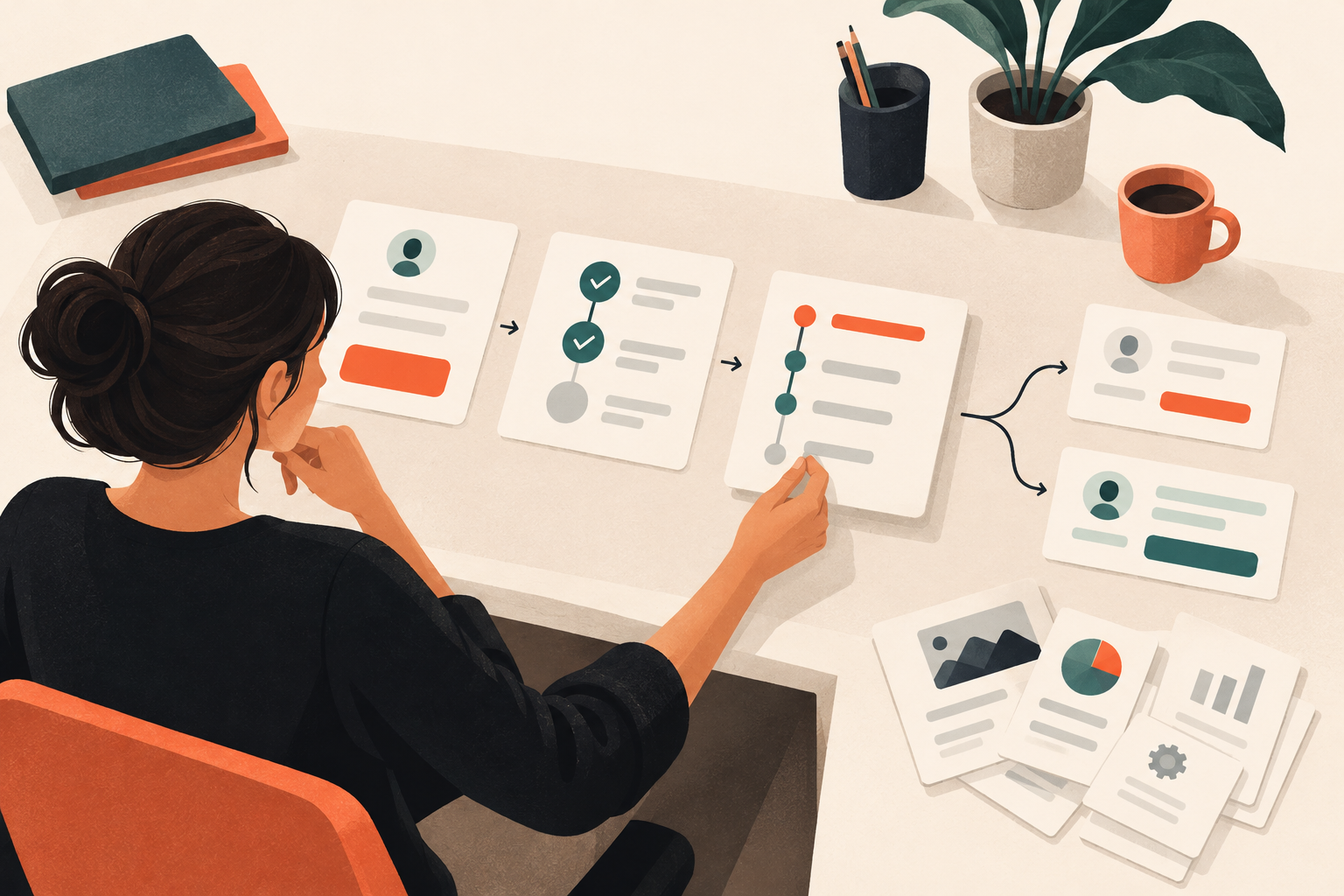
Your prospect opens the demo you sent after a promising call. The first instruction says, “Click Reports.” They click. A dashboard appears. Nothing explains which report matters or how it answers the question they asked you yesterday.
An interactive demo script is a screen-by-screen plan that connects a buyer’s question to visible product evidence, without a presenter filling in the gaps. Write it around one task, give each interaction a purpose, and finish with a next step that matches what the buyer has actually learned.
I’d rather send a narrow demo that answers a difficult question than a polished tour of the navigation. Dale, the interactive demo platform, lets teams capture product screens without code and turn them into self-guided demos. But capture comes after the story. Otherwise, you end up writing captions for whatever screenshots you happen to have.
Why can’t you just reuse your live demo script?
A presenter does more work than the script admits. On a call, you notice hesitation, translate internal terminology, and say, “Ignore that section for now.” You can ask how the buyer handles approvals before deciding which workflow to show.
A self-guided demo has to supply that context itself. The live-demo note “Ask about approval bottlenecks” becomes buyer-facing copy: “A purchase request is waiting for approval. Find out who owns the decision and what happens next.”
That doesn’t mean putting your entire talk track on screen. It means deciding which explanation the buyer needs at this moment. An instruction tells them where to click; context tells them why the click is worth making.
Keep production notes separate from that copy. “Capture the pending state using sample data” belongs in your working document, not in the experience. Mixing the two is how useful editing notes become strangely technical instructions for prospects.
How do you plan an interactive demo script?
Start with a question from a real sales conversation, not the product homepage. “Can a department head see what’s waiting on them?” is a workable brief. “Show our approval capabilities” is still too broad.
Before opening your interactive demo software, write down:
- The viewer and situation. For example, an operations manager who keeps chasing purchase approvals over email.
- The question they need answered. Can they identify the current approver without asking the requester?
- The evidence that answers it. A request view showing the assigned approver, pending action, and relevant history.
- The necessary setup. What must the viewer understand before that evidence makes sense?
- The next decision. Should they inspect another workflow, discuss requirements, or try the product?
Then work backward from the evidence. If the answer lives in a request timeline, you probably don’t need to begin with account setup, the dashboard, and a tour of every menu.
My editing rule is blunt: remove a step unless it improves understanding or strengthens the proof. A product tour doesn’t become more persuasive by covering more territory.
What should your script template include?
Use this as a working document shared by the person writing the story and the person building it. One row per meaningful interaction is enough; don’t create a separate step for every sentence.
| Field | What to record |
|---|---|
| Buyer question | The uncertainty this interaction resolves. |
| Screen and state | The exact view, status, and safe sample data needed. |
| Buyer-facing copy | The context the viewer needs before acting. |
| Action | The product element or journey they select. |
| Visible evidence | What they should notice, and which claim it supports. |
| Transition or ending | Why the next step follows, or what decision comes next. |
The evidence field matters most. “Show the reporting dashboard” is a capture instruction. “Show that the pending request has an identifiable owner” is a reason to include the screen.
What does a finished interactive demo script look like?
Here’s an illustrative example for a fictional procurement product, not a description of the demo platform’s functionality. The viewer is an operations manager trying to understand how a purchase request reaches an approver and how to check its progress.
How do you open with a useful problem?
Screen: A request queue containing a clearly labeled sample software purchase.
Buyer-facing copy: “A software purchase is waiting for approval. Follow the request to see who owns the decision and what needs to happen next.”
Action: “Open the software request.”
There’s no welcome paragraph and no sidebar explanation. The opening gives the viewer a job. Make the sample request easy to recognize; you’re testing their understanding of the workflow, not their ability to hunt through a table.
How do you explain the workflow without overloading the screen?
Screen: Request details showing department, purchase amount, and status.
Buyer-facing copy: “The department and purchase amount determine which approval rule applies to this request.”
Action: “View the approval route.”
Production note: The request must match the rule shown next. If the purchase belongs to the marketing department, don’t capture a route assigned to engineering. Small inconsistencies make buyers wonder whether the workflow really works as described.
Leave unrelated fields unexplained. A vendor address may belong on the actual screen without earning a paragraph in the demo.
How do you show evidence instead of making a promise?
Screen: The applicable approval rule and assigned budget owner.
Buyer-facing copy: “This request matches the department’s approval rule, which assigns it to the budget owner shown here.”
Action: “Check the current status.”
Visible evidence: The rule, department, and assigned owner agree.
Don’t write “automatically routes every request” unless that claim is accurate under the conditions shown. A convincing example doesn’t need to become a universal promise. Exceptions, delegation, and permissions can be separate evaluation questions.
How do you connect a status screen to a buyer’s job?
Screen: A request timeline showing the pending decision and its owner.
Buyer-facing copy: “The request is waiting on the budget owner. Operations can see the pending action here instead of asking the requester for an update.”
Action: “Review the request history.”
This is where the story earns its opening. The viewer can answer “Who has it?” without being asked to accept an unsupported claim about time saved.
How should the demo end?
Screen: Request history with routing and status changes visible.
Buyer-facing copy: “The history shows how this request reached its current approver. Would this routing approach fit your approval policy?”
Next action: “Discuss your approval workflow.”
That’s an honest handoff. The demo has shown a workflow; it hasn’t established implementation effort, policy coverage, or purchase readiness. The next conversation should address those unknowns rather than replay the same screens.
Should you use a linear, branched, or single-experience demo?
Choose the format based on what the buyer needs to understand, not which format looks most impressive.
A linear demo with a guided sequence suits the procurement example because the route makes more sense after you’ve seen the request. Write transitions that explain the connection: “Now that you know who owns the decision, check what they need to do.” Avoid introducing every screen with “You can also…”
A branched demo organized by role or use case makes sense when viewers need different evidence. An operations manager may want to track a delayed request; a finance lead may want to inspect approval controls. Those are useful branch labels. Your internal module names probably aren’t.
Each branch needs to answer its own question. If both choices lead through essentially the same material, a branch adds a decision without adding relevance.
A single-experience demo for a focused follow-up can start closer to the answer. After a call about approval history, open with the history—not the dashboard. I’d usually start a demo automation project here: the buyer’s question already exists, and it’s easier to resist adding unrelated features.
How do you write copy buyers will actually follow?
Put the reason close to the action. “Open the queue to find the request waiting on a decision” works harder than “Click here,” without turning into a speech.
Be suspicious of sentences that could describe any SaaS product. “Manage everything in one place” tells the viewer almost nothing. “See the request owner and pending action in the same view” gives them something they can verify.
Also distinguish the captured experience from a working environment. If a viewer is following a demonstration of a submission, don’t imply they’ve submitted a real request or changed live data.
Read only the buyer-facing copy aloud, ignoring your production notes. Does the story still make sense? If it depends on explanations you haven’t written, the viewer won’t somehow supply them.
The entry point matters, too. A website visitor needs enough context to recognize the problem. An outbound recipient needs the opening to fulfill the email’s promise. You can reuse the middle of the script, but a message about approval routing shouldn’t land someone in a general dashboard tour.
How do you test the script before publishing?
Give the journey to a colleague outside the product team and stay quiet while they use it. Don’t rescue a confusing step. Afterward, ask, “What do you think happened to the request?” and “What would you still need to check?” Their answers are more useful than “Did you like it?”
Use this short release checklist:
- The opening describes a recognizable situation.
- Each action has a clear purpose.
- Sample data stays consistent across screens.
- The screen supports the claim beside it.
- The ending fits what the viewer has learned.
After publishing, treat engagement as evidence to investigate, not a verdict. Dale lets you see who viewed, started, and completed demos, clicked links, and downloaded documents. These buying intent signals can inform follow-up, but a completed journey doesn’t tell you someone has budget or an active project.
A useful follow-up asks whether the demonstrated routing approach fits their policy. It doesn’t assume that finishing the demo means they’re ready to buy.
How do you turn the script into a working demo?
Once the story holds up without explanation, capture the required product states and build the journey. Review the finished experience against the script: did an extra screen creep in because it was easy to capture? Does the ending still answer the opening question?
Use the Dale interactive demo to assess the experience, and compare Dale pricing with your intended use. Keep that evaluation separate from the temptation to expand your first script into a complete product showcase.
For your next working session, bring one recurring prospect question and the screen that proves the answer. Write the opening and ending before capturing anything.