
Your customer’s administrator leaves on Friday. On Monday, a sales manager asks why new leads aren’t reaching the right team. The routing rules still exist. The person who understood the exceptions doesn’t work there anymore.
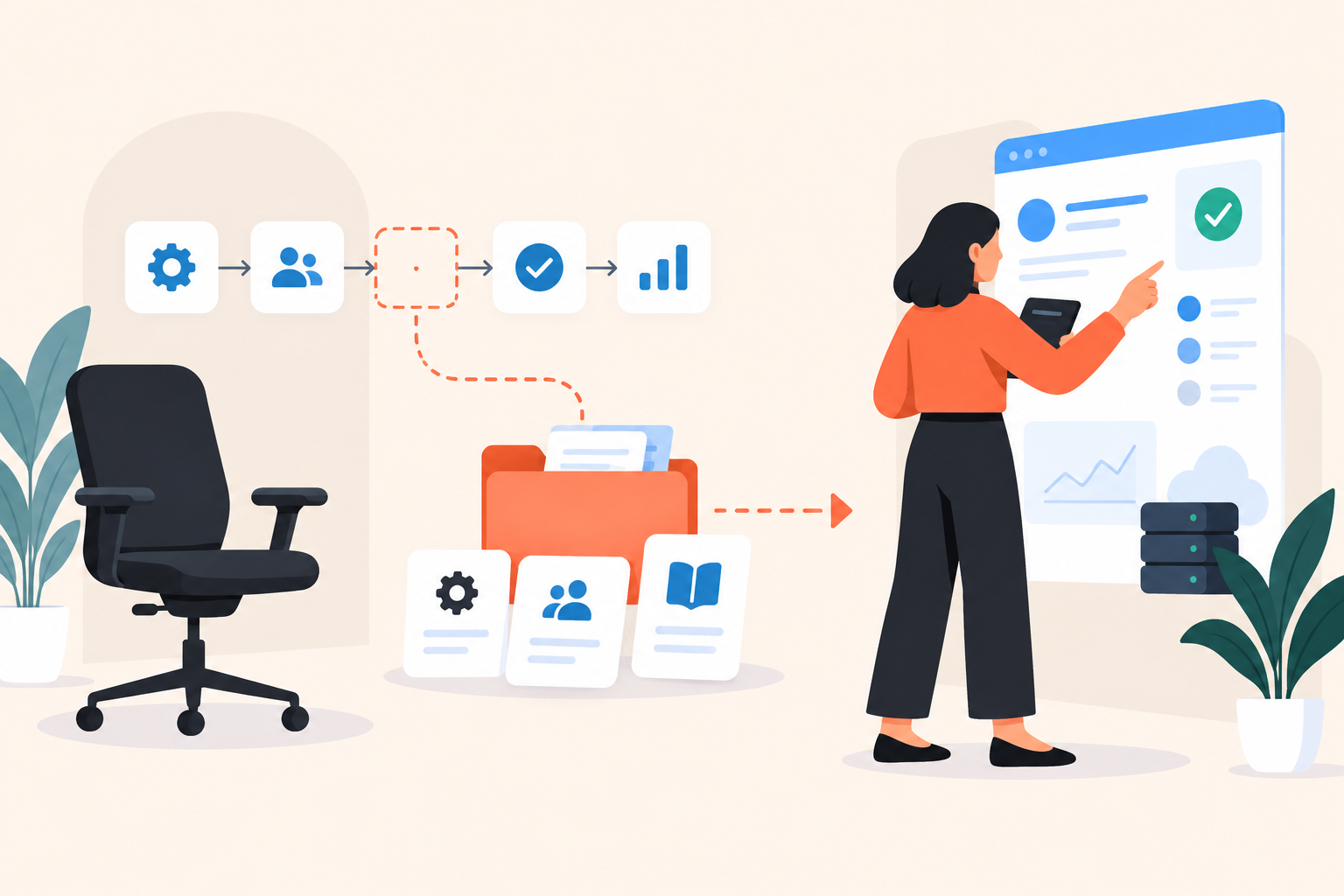
When a SaaS champion leaves, customer re-onboarding should restore ownership of critical work, not replay the original onboarding. Identify who has inherited each responsibility, teach the workflow they need next, and verify a safe task in the customer’s actual account.
I’d resist sending the resource library as the first response. It feels helpful, but it hands someone a reading assignment before you’ve established what they’re responsible for.
What makes customer re-onboarding different from initial onboarding?
Customer re-onboarding helps an existing account recover the knowledge and ownership needed to keep getting value from a product. Unlike initial onboarding, it starts with an implementation that already has history, dependencies and decisions worth preserving.
Customer re-onboarding: a focused handover of product knowledge, account context and operational responsibility after something significant changes.
A replacement administrator may know the software category better than the person who left. What they don’t know is why a particular approval exists, which report the finance team trusts, or whether changing an assignment rule will disrupt another department.
That’s not a product knowledge gap alone. It’s missing institutional context.
Keep the existing workflow unless there’s a reason to change it. A new champion deserves room to challenge the setup, but making them redesign it before they can operate it is a poor welcome.
What should you do first when your SaaS champion leaves?
Confirm who owns the business outcome and who can operate the account. Those might be different people, and neither role automatically passes to whoever replies to your email.
Ask your remaining contact a small set of concrete questions:
- Who is accountable for the outcome this product supports?
- Who handles configuration and routine exceptions now?
- Can that person access the account with appropriate permissions?
- What important task or deadline comes next?
- Which decisions used to depend entirely on the departing champion?
Listen for “I think” and “probably.” Those answers identify responsibilities that still need an owner. A marketing manager might distribute the training link while having no authority to approve changes to lead routing.
If the champion hasn’t left yet, use the overlap to capture decisions, not another general product recording. Ask them to explain the awkward exception, the report everyone checks before a leadership meeting, and the change they’ve deliberately avoided making.
If they’ve already left, label unknowns honestly. Don’t reconstruct a configuration’s purpose from guesswork and present it as settled fact.
Champion turnover isn’t automatically churn risk. The replacement may be a stronger sponsor. But until ownership is clear, you don’t know whether the account has continuity or merely an active subscription.
How do you choose what the replacement needs to learn?
Build the learning path around the next responsibility the replacement must carry out. Separate reusable product instruction from company-specific decisions so neither gets buried inside the other.
Take an illustrative sales operations handover. A campaign is about to launch, and the incoming owner needs to check whether leads will reach the right teams. They don’t need the full reporting tour yet. They need to inspect assignments, recognize an exception and know who can approve a correction.
| What they need | Example | Where it belongs |
|---|---|---|
| Business context | Why assignment accuracy matters before the campaign | Customer-validated handover brief |
| Product instruction | How to inspect an unassigned lead | Reusable training content |
| Account context | Territory definitions and approval authority | Approved account documentation |
| Evidence of readiness | Correctly investigating a safe example in the account | Handover review and customer success record |
This separation matters when content changes. A navigation update should trigger a product training review, not a rewrite of every customer’s operating procedure. A change in the customer’s approval authority should update their handover document, not your shared product tour.
Keep sensitive account details out of broadly shared screenshots. Use safe example data for the reusable explanation and the customer’s approved process for anything specific to their implementation.
How can Pages and Walkthroughs support re-onboarding?
Use Pages to explain why and when a task matters, then Walkthroughs to show the steps. Keep live-account checks separate: guided screenshots cannot establish that someone has the permissions or judgment to perform the real task.
Dale, the demo automation platform, supports reusable Pages for individual topics and screenshot-based Walkthroughs with tooltips and highlighted areas. That makes it useful for repeatable product instruction while your customer success team handles the account-specific handover.
How should you name and structure a Page?
Name it after the job, not the menu. “Find out why a lead has no owner” tells the replacement more than “Assignment settings.”
Open with the situation that calls for the workflow. Explain the expected result, show the process and identify the point where they should stop and ask for help. A good explanation includes boundaries, not just successful clicks.
Pages have separate video placeholders for detailed and shorter explanations. With a Linear Demo that adapts to topic priorities, viewers rate topics Important / Somewhat Important / Not Important. Important topics play first with the detailed video, Somewhat Important topics use the shorter version, and Not Important topics are skipped. You can also use the same video in both placeholders.
That choice respects an experienced replacement’s time. It does not make an essential responsibility optional. Confirm required duties in the handover conversation, regardless of the viewer’s topic selections.
What should a Walkthrough actually teach?
Teach a complete task, including the decision behind it. Highlighting a control is useful; explaining when to use it is what helps someone operate independently.
For the assignment example, show where to inspect ownership, what an exception looks like and what to check before proposing a change. Don’t end at the settings screen and assume the learner knows what to do there.
These building blocks can also support broader customer training and onboarding. For a replacement champion, though, assign a focused path rather than the entire library.
How do you run the handover without adding unnecessary meetings?
Move repeatable explanations into self-serve training and reserve live time for decisions, exceptions and verification. Demo automation can remove repeated teaching, but it cannot accept responsibility on the customer’s behalf.
- Write the continuity brief. Record the product’s purpose in this account, current owners, next deadline and unresolved questions. Ask the customer to validate it.
- Check access. Have the customer’s authorized administrator confirm the replacement’s permissions before assigning account work.
- Send a focused assignment. Say what the training prepares them to do. “This covers the assignment checks you’ll own before the campaign” beats “Here are some helpful resources.”
- Ask for a response. Invite them to flag an unfamiliar responsibility, a confusing decision or a missing permission. Don’t make watching the content the only requested action.
- Review a safe live task. Agree on an appropriate task in the actual account. Investigating an existing exception may be safer than changing production settings.
- Close the handover explicitly. Record who accepted ownership, what was verified and what remains unresolved in your customer success system.
Unique demo links for individual contacts can connect engagement to an invited replacement without asking them to complete a viewing form. That’s useful for follow-up, not a reason to turn the training into surveillance.
Make it easy to resume after an interruption. The replacement should know their next task without finding a calendar invitation or restarting a long recording. A short note with the outstanding question is often more useful than another meeting.
How do you measure re-onboarding success?
Measure accepted ownership, demonstrated understanding and verified execution separately from content engagement. A completed tour tells you someone reached the end; it doesn’t tell you the account is ready to operate without help.
I’d put the handover status ahead of the viewing dashboard in an account review. Can we name the owner? Have they explained the relevant decision in their own words? Has the agreed task been checked?
Engagement still helps. Demo analytics for topic interest and rewatches can point you toward the next question. If someone repeatedly watches the permissions explanation, ask what they’re trying to accomplish. They might be confused, documenting the process or preparing to teach a colleague.
Likewise, a skipped topic isn’t proof of expertise. It might mean the replacement thinks another team owns that work. That misunderstanding is worth catching before a deadline.
Keep customer learning distinct from buying intent. Buying Intent Signals and Lead Scoring support commercial prioritization, but an administrator revisiting training is not automatically considering an expansion. If training activity enters your commercial follow-up process, review the routing and messaging before launch.
Record live-task verification in your established system of record. Don’t imply that interactive demo software verified a production action because someone clicked through its illustrated version.
How do you keep the handover useful after it closes?
Assign a maintainer to the product instruction and an owner to the account context. Review each when its underlying workflow changes, rather than assuming a completed handover stays accurate indefinitely.
Reusable Pages reduce duplicate product explanations. They don’t remove the need to check whether the screenshots, decision guidance and escalation instructions still match reality.
Use the replacement’s questions as editorial feedback. “Where do I click?” may call for a clearer Walkthrough. “Why would I change this?” needs better decision context. More screenshots won’t solve both problems.
Before calling the handover complete, use this checklist:
- A named person has accepted the operational responsibility.
- Access and approval authority have been confirmed.
- The replacement can find current account-specific instructions.
- A safe live task has been verified.
- Unresolved questions have owners and agreed next actions.
If you’re evaluating software, try the Dale interactive demo with one handover task in mind, then check Dale pricing for the demo types and capabilities you need. Ask the person who will maintain the content to join the evaluation.
Start with an account where ownership has actually changed. Write down the replacement’s next critical task, build the smallest useful explanation and Walkthrough, and agree with the customer on what successful execution will look like.