
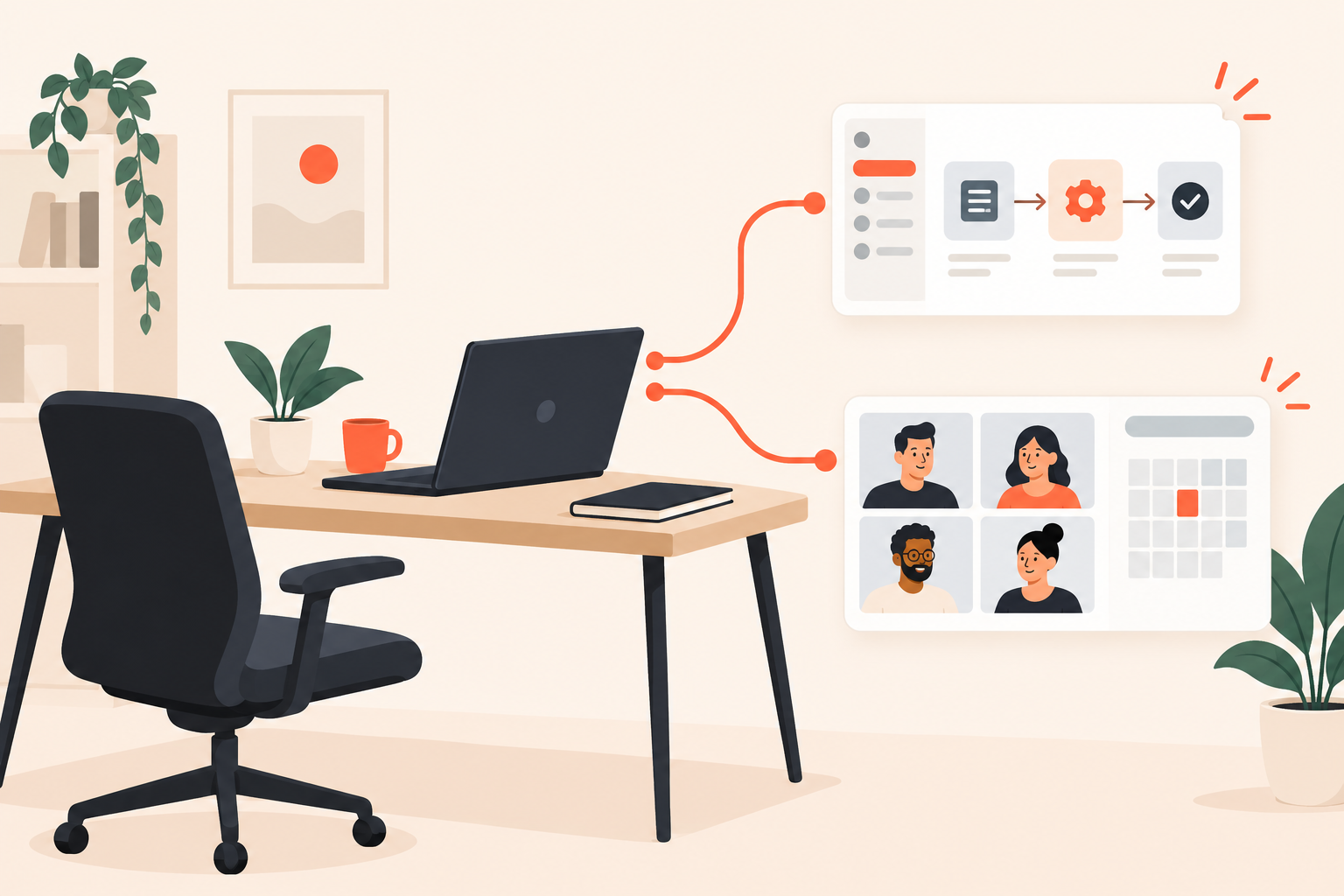
The solution engineer has configured the territory rules. The account executive has the discovery notes open. The buyer's tile never appears.
A good demo no-show follow-up acknowledges the missed connection, offers a focused self-serve demo, and leaves rescheduling optional. Subsequent messages should change when the buyer engages, replies, or rebooks. The goal is to restart an evaluation, not recover a calendar slot at any cost.
That distinction matters. A buyer who reviews the relevant workflow and replies with an implementation question has made progress, even if your calendar is still empty.
Dale, the demo automation platform, fits the self-serve and engagement side of this process. Attendance checks and coordination with your scheduling workflow still need an explicit owner.
What should you send after a prospect misses a demo?
Send a neutral acknowledgment and something that answers the question behind the booking. Include a rescheduling link, but don't make another meeting the price of seeing the product.
Suppose a revenue operations lead booked because they need to understand lead assignment when territories change. The useful follow-up is that workflow, including how exceptions work. A general product tour forces them to find their question inside your pitch.
Demo no-show follow-up is the process of restoring a useful next step after a buyer misses a scheduled demonstration. Rescheduling is one possible outcome, not the only successful one.
I wouldn't ask the prospect to explain their absence. Nor would I mention how much preparation the SE did. Protecting technical capacity is our operating responsibility, not a debt the buyer owes us.
“We missed each other” does enough work. After that, get to the thing they wanted to see.
There's also no need to invent an excuse on their behalf. “I know you're incredibly busy” adds nothing, and “something must have come up” is still a guess. Be courteous without writing a story about their day.
What should the first no-show email say?
The first email should make continuing easier than starting over. Name the known problem, link directly to the relevant experience, and offer a conversation if that would be more useful.
Here's an illustrative message for the territory-routing example:
Subject: The territory-routing workflow we planned to cover
Hi [first name],
We missed each other for the walkthrough. You mentioned wanting to see what happens to lead assignment when territories change. Here's that workflow: [focused demo link].
You can review it without another meeting. If you'd rather work through your setup together, here's my calendar: [scheduling link].
Is your main concern updating the territory rules, or handling leads that already have an owner?
The final question gives the buyer something specific to answer. “Any thoughts?” would make them do the work of deciding where the conversation goes next.
Only use this wording if the booking notes support it. If you don't know why they booked, say so plainly: “Here's a demo where you can choose the workflows you want to see.” A job title isn't enough evidence to claim you understand someone's priorities.
And check the destination. A link described as “that workflow” shouldn't open a welcome video followed by a full platform overview.
How do you choose the right self-serve demo?
Send the smallest experience that resolves the buyer's known question. When the question is unknown, let the buyer choose rather than sending everything.
This is where interactive demo software can be useful, provided you resist turning the recovery message into another product launch. Relevance matters more than production polish.
What if you already know the use case?
Start at the workflow the buyer asked about. Show the ordinary path and the exception most likely to affect their decision.
Pages hold content around individual topics or pain points. Walkthroughs add screenshot-based, step-by-step interaction when viewers need to see how a task works. A custom link can take a prospect straight to selected content, bypassing the introduction and topic selection.
Use personalized demo links to preserve the context you've already earned. Don't ask someone to identify their role again when the rep already knows it.
What if the booking contains no useful context?
A Linear Demo lets viewers rate topics Important / Somewhat Important / Not Important, then assembles the experience around those priorities. A Branched Demo routes viewers through preset choices, such as industry, role, or use case, to a matching demo.
These solve different problems: topic selection determines what matters; branching determines which experience fits. The Linear Demo topic-selection experience is useful when buyers share a broad use case but need different depth on different questions.
Don't add choices for their own sake. Every unnecessary question delays the moment the buyer sees something useful.
How do you run recovery without overlapping emails?
Separate the event that starts recovery from the behavior that changes it. Confirming a missed meeting starts the process; demo engagement helps decide what to say next.
The messy version has an SDR sequence asking for a new time while an engagement email offers implementation help and the AE answers a reply. Each message looks reasonable alone. Together, they make the team look disconnected.
Use this operating sequence:
- Verify the absence. Check for a late arrival, an alternate meeting link, or a message to another teammate. An ended calendar event is not sufficient evidence.
- Name one recovery owner. Usually the rep who owns the meeting. The SE shouldn't have to chase attendance.
- Send the relevant experience. Use the booking question or discovery notes, not whichever demo was created most recently.
- Review the next action. No engagement, meaningful engagement, a reply, and a rebooking should not all receive the same reminder.
- Stop obsolete outreach. Close or pause the recovery sequence when the buyer's situation changes.
As an illustrative starting cadence, send the first note after confirming the absence, a reminder a few business days later, and then close the loop. Adjust for the relationship and sales cycle rather than treating the interval as a universal rule.
In Dale, Segments can group contacts by behavior such as topics selected, demos watched, links clicked, and documents downloaded. Campaigns can send when a new contact joins a segment, using the rep's Gmail, Outlook, or company SMTP. That supports a relevant response to engagement, not an assumption about meeting attendance.
The documented capabilities don't include a native no-show attendance trigger. Verify attendance through your calendar or CRM process, then initiate the invitation manually or through a configured external workflow.
| Buyer state | Next action | Owner |
|---|---|---|
| Confirmed no-show, no engagement | Offer focused content and optional rescheduling | Recovery owner |
| Relevant topic selected and document downloaded | Offer help with that specific problem | Rep or engagement-based Campaign |
| Replied or rebooked | Stop generic reminders and prepare the conversation | Rep and CRM or scheduling workflow |
| Recovery window ends without a response | End recovery and review nurture eligibility | Recovery owner |
Configure and test suppression for replies, rebookings, disqualification, and opt-outs in the relevant sending and CRM systems. Don't assume separate tools stop each other's messages.
If that handoff isn't reliable, keep sending with one owner and use engagement data to guide manual outreach. The Segments and Campaigns workflow should reduce repetitive work, not introduce competing conversations.
Which buying intent signals deserve a different response?
Change your response when activity clarifies the buyer's problem or suggests a question worth answering. Don't treat a single view as proof of purchasing readiness.
Buying Intent Signals include topic ratings, video activity, rewatches, Walkthroughs engagement, document downloads, and link clicks. These help explain interest. They don't establish budget, authority, or a purchase date.
For example, selecting territory management and downloading its supporting document gives a rep a reason to ask about assignment exceptions. Replaying the same step might indicate interest, confusion, or an interruption. Review the context before deciding which.
I use a simple distinction: observed behavior tells you what to investigate; an explicit answer tells you what the buyer needs. The follow-up should move from the former toward the latter.
That also changes the tone. “Would it help to work through your assignment exceptions?” is useful. “I noticed you replayed the territory section several times” puts the tracking in the foreground instead of the problem.
Identification matters too. Public-link viewers are identified only if they complete the details prompt. Unique invite links associate viewing activity with the invited contact without another form, while forwarding adds context about sharing. Don't casually equate every view with the original recipient personally watching.
If the buyer asks a technical question, leave recovery mode. Decide whether it needs a written answer, another focused demo, or an SE-assisted conversation. Your pre-sales approach should reserve technical time for work that benefits from technical expertise, not automatically recreate the missed meeting.
How do you measure whether no-show follow-up works?
Measure resumed evaluation, not just rebookings. Track whether buyers get useful answers and whether the team spends its time on better conversations.
Keep confirmed no-shows as the starting group. Within that group, track identified demo engagement, replies, rebookings, attended replacement meetings, and opportunities that progress asynchronously. Choose an attribution window before reviewing results, and distinguish automated messages from rep-led follow-up.
A rebooking that becomes another no-show isn't equivalent to an attended technical discussion. A buyer who replies with their routing requirements may be progressing without touching the calendar.
Watch the workload as well. If every missed meeting now creates a custom recording and a complex sequence, you've moved the preparation burden rather than reduced it. Reusable content should cover recurring questions; bespoke work should have a clear reason.
Before sending to real prospects, check:
- Someone verifies attendance before recovery starts.
- The linked content matches the email's promise.
- One person owns replies and exceptions.
- Reply, rebooking, and opt-out suppression have been tested.
- Reporting separates engagement from actual evaluation progress.
Check Dale pricing for the demo types and automation capabilities your workflow requires. Use the Dale interactive demo to inspect the experience from the buyer's side.
Start with one recurring use case. Send a test contact through no engagement, relevant engagement, and rebooking, then inspect every message they receive. Fix the awkward handoff before adding another sequence.