
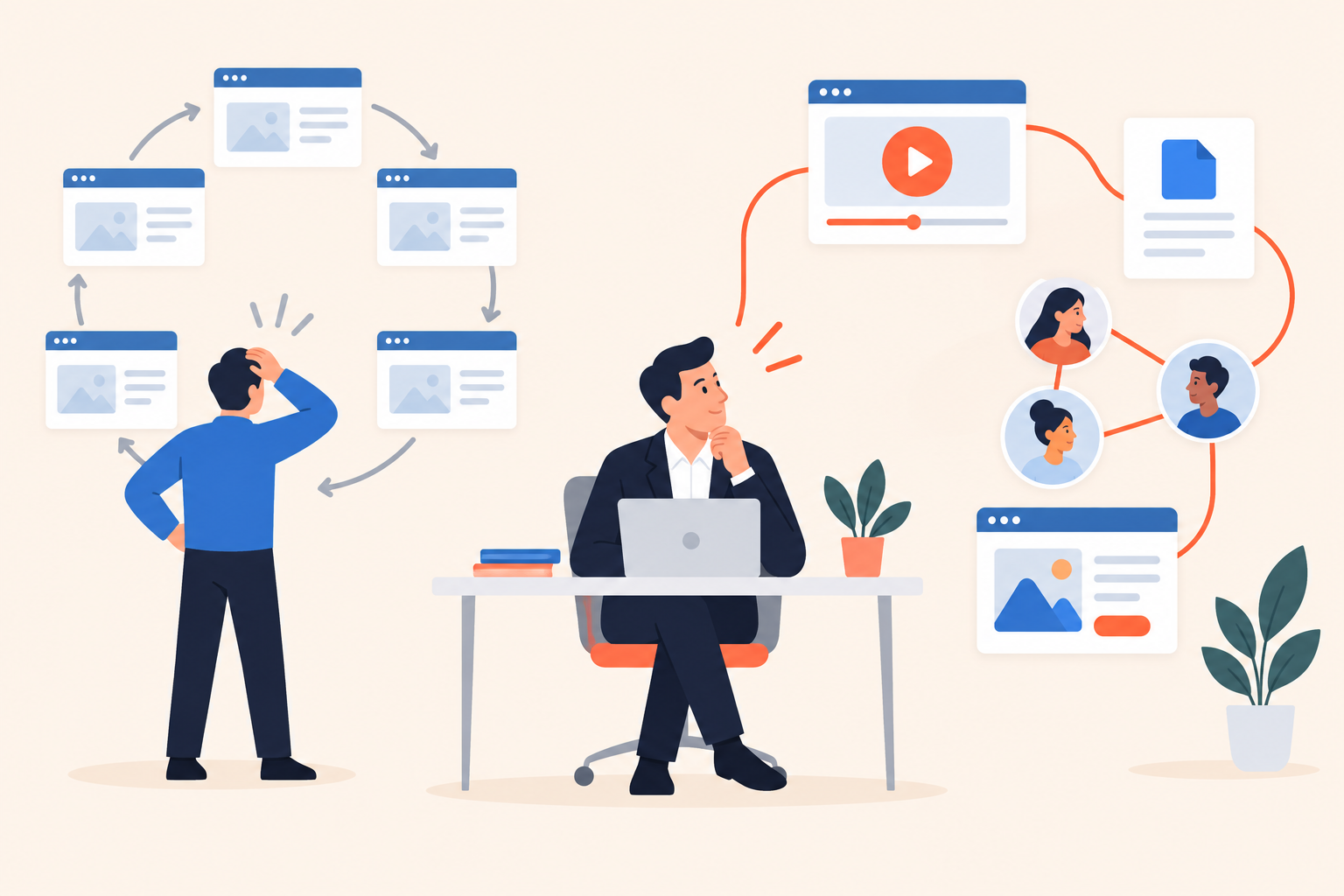
A rep gets a pricing-page alert while preparing for a discovery call. The contact looks promising: right company, relevant title, repeated visits. But the account owner already sent a proposal, and the buyer is checking which plan includes a required feature. Another prospecting email would make the team look disconnected.
Score pricing page visits as supporting evidence, not proof that someone is ready to buy. Combine them with recent demo engagement, buyer fit and a known contact identity, then check the account’s current conversation before deciding what to do. Repeated visits deserve more weight when they accompany a specific evaluation question, not simply because the counter went up.
Dale, the demo automation platform, connects demo engagement with website activity to give sellers that context. The harder work is deciding which behavior deserves a conversation and which deserves a better explanation.
What do pricing page visits actually tell you?
A pricing page visit tells you someone opened your commercial information. It doesn’t establish budget, authority, a purchase deadline or even that they understood the packaging.
Pricing page intent: evidence of commercial interest that becomes useful when interpreted alongside product evaluation, buyer fit and recency.
Consider the different jobs that page performs. A prospective champion needs a number for an internal proposal. An existing customer checks upgrade options. A consultant researches a shortlist for someone else. Your competitor checks how you package a feature.
Even a genuine buyer can return because the page failed them. If they can’t tell whether single sign-on is included, another visit may reflect unresolved confusion rather than growing enthusiasm.
I wouldn’t ignore that behavior. I would change the question from “How interested are they?” to “What might they still need to work out?” That produces a much more useful sales response.
Read pricing activity alongside other Buying Intent Signals from demo engagement. The page view tells you where someone went; their product choices can help explain why.
Which demo behaviors make a pricing revisit worth acting on?
Look for behavior that reveals a requirement: a topic rated Important, a focused rewatch, a relevant document download or a demo shared with colleagues. None proves readiness alone, but together they give a rep something specific to help with.
Here’s an illustrative contrast. A revenue operations lead explores lead assignment, rates integrations Important, downloads an implementation document and returns to pricing. A different visitor opens a product tour, leaves at the introduction and visits pricing again later.
Both may become customers. Only the first has given you a clear starting point for a useful conversation.
Does a rewatch mean the buyer liked what they saw?
Not necessarily. They could be verifying a detail, showing a colleague or trying to understand an unclear explanation.
Look at the surrounding activity. Replaying a permissions explanation and then opening its supporting document looks like investigation. Repeatedly returning to a confusing step without progressing may point to a content problem.
This is where interactive demo software can tempt teams into false precision. “Rewatched” is an observable event. “Convinced” is your interpretation. Keep those separate in the handoff to sales.
What does sharing a demo add to the picture?
Sharing suggests the evaluation may be reaching other people. It doesn’t tell you whether those people control the budget or support the purchase.
The share graph shows whether a contact shared a demo with colleagues or arrived through a colleague’s share. Use that to ask who else needs evidence, not to declare that you’ve identified the entire buying committee.
A good rep note might read: “Reviewed integration content, downloaded implementation material, shared the demo, then revisited pricing.” Avoid translating that into “Ready to buy.” The first statement helps the next person think; the second asks them to trust an assumption.
How should pricing visits affect lead scoring?
Treat pricing visits as part of intent, while keeping fit and recency visible. Repetition shouldn’t outweigh the absence of a plausible use case.
Intent describes behavior. Fit describes whether the company and role match the customers you can serve. A suitable buyer quietly investigating a critical requirement may deserve more attention than an unsuitable visitor generating a long activity feed.
The Lead Scoring model combines intent and fit, with configurable weights, signal points, thresholds and decay. It also exposes the signals behind a score, so a rep can inspect the reason for prioritization instead of treating a Hot label as an instruction to pitch.
| Observed pattern | Working interpretation | Useful next action |
|---|---|---|
| Good fit, relevant demo activity, recent pricing revisit | Active evaluation is plausible | Offer help with the requirement they explored |
| Good fit, pricing visits only | Commercial curiosity, little product context | Offer a focused self-serve demo |
| Poor fit, frequent pricing visits | Attention without a clear match | Check suitability before assigning sales time |
| Old demo engagement, no recent activity | Historical interest | Use low-pressure re-engagement, not urgency |
| Open opportunity, pricing revisit | Potential packaging or approval question | Route context to the existing owner |
Decay matters because an activity total otherwise becomes a reward for having been around longer. A buyer who researched you last quarter shouldn’t stay ahead of someone evaluating you now merely because their history is longer.
And don’t turn missing evidence into negative evidence. Invited contacts who haven’t opened a demo remain New, not Cold. You don’t yet know what they think.
How do you connect pricing visits to a known buyer?
Use connected contact and demo history, rather than guessing from timestamps in separate reports. An anonymous pricing visit is not automatically a named sales lead.
Dale Radar connects website activity with demo history after you add its script and configure your domains. It supports both directions of the journey: a demo followed by website activity, or website activity followed by a demo.
Captured website behavior includes URL paths, time on page, return visits, referral and UTM source, clicks and form submissions. That activity feeds Lead Scoring without manual logging.
Identification still deserves care. Public demo viewers are identified only if they complete the details prompt. Unique invite links identify invited contacts without another form, and forwarding is tracked too. Don’t erase that distinction when preparing a sales brief.
I’d also have the appropriate privacy owner review tracking disclosures and consent requirements before deployment. Connecting data technically and having permission to collect it are different responsibilities.
How do you test a scoring rule before sending alerts?
Test whether the rule puts genuinely useful conversations ahead of repetitive browsing. Start with real contact histories and a proposed action, not a points spreadsheet.
A practical review looks like this:
- Define what counts as commercial research. List your pricing and packaging URLs. Don’t interpret a billing-support visit as new purchase interest.
- Choose supporting evidence. Identify the demo topics and actions that reveal requirements in your sale, such as exploring integrations or downloading an implementation guide.
- Check contrasting histories. Include an active evaluator, a pricing-only visitor, an old opportunity and an unopened invite. A useful rule should treat them differently.
- Write the next action first. Ask a rep what they would offer each buyer. If the only answer is “checking in,” the alert probably lacks context.
- Test the scoring settings. Use the score simulator to inspect how different weights and signals affect prioritization. Check whether low-information repetition overwhelms more meaningful activity.
- Assign ownership. Decide who reviews the signal, and check whether an account owner is already handling the conversation.
Keep a short review log outside the scoring model: useful alert, misleading alert, missed opportunity, and why. This gives you something better than complaints that “the leads are bad.”
For example, if pricing-only contacts repeatedly turn out to be existing customers, the problem may be routing rather than scoring. If buyers keep asking which plan includes the same feature, fix the pricing explanation. Not every noisy signal needs a new threshold.
Judge the pilot by whether reps can offer relevant help and whether the prioritization matches actual evaluation. A larger alert queue isn’t evidence that the model works.
What should sales say after a pricing revisit?
Lead with the question the buyer may be trying to resolve, not a recital of their browsing history. Let the signal shape your offer of help without pretending it reveals their intentions.
For the integration-focused evaluator, an illustrative note could be:
If integration requirements are part of your evaluation, I can help map those requirements to the available plans. Would you prefer a short workflow walkthrough or the details by email?
That’s specific without being presumptuous. It also gives the buyer a useful alternative to another meeting.
If there’s already an open conversation, stay in it. The account owner might answer the packaging question directly or send the implementation details promised on the last call. Don’t start a fresh prospecting sequence because a behavioral score crossed a threshold.
When a buyer has asked about a particular workflow, a custom demo link can take them straight to the relevant branch and topics, without repeating the introduction or topic selection. That’s a better use of demo automation than resending the full presentation.
Segments and Campaigns support behavior-based follow-up: Segments group contacts by activity, and Campaigns can send when someone joins a segment. Define ownership before adding automation, especially where a rep is already involved. Automation should deliver relevant help, not create competing conversations.
What belongs in a useful pricing-page alert?
A useful alert gives the rep a credible identity, recent evaluation context and a sensible next action. If it only says “visited pricing,” it has passed the interpretation work downstream.
- Identity: A known contact, not an assumed match.
- Fit: A company and use case you can serve.
- Context: The topic or action that makes this visit meaningful.
- Recency: Current behavior, not accumulated historical interest.
- Ownership: The person already responsible for the relationship.
- Help: Something concrete the rep can offer.
Explore the Dale interactive demo to see the viewer experience, and check Dale pricing for plan coverage before designing your setup. Then take a small sample of recent pricing visitors into a working session with sales and presales. Write the helpful next action for each contact before changing a single scoring weight.