
A finance leader clicks “Start free trial” to see how your product handles an expense exception. Instead, they get an empty dashboard, an invitation to add colleagues, and a request to import a spreadsheet. Nothing is broken. But you've handed them a setup project when they wanted an answer.
Offer a self-serve demo when buyers need to understand a workflow before investing effort. Make a free trial primary when they can reach a meaningful result in the actual product with little help. Offer both when the demo prepares buyers for a specific trial task, rather than leaving them to guess which button is right.
I wouldn't make this decision based on whether the company calls itself product-led or sales-led. I'd look at what a buyer has to do before they can judge the product.
Self-serve demo vs free trial: what does each prove?
A self-serve demo establishes relevance through a prepared experience. A free trial lets buyers test whether the actual product works for their tasks, data, and team, within the trial's limits.
Self-serve demo: “Show me how this would solve my problem.”
Free trial: “Let me find out whether it works for us.”
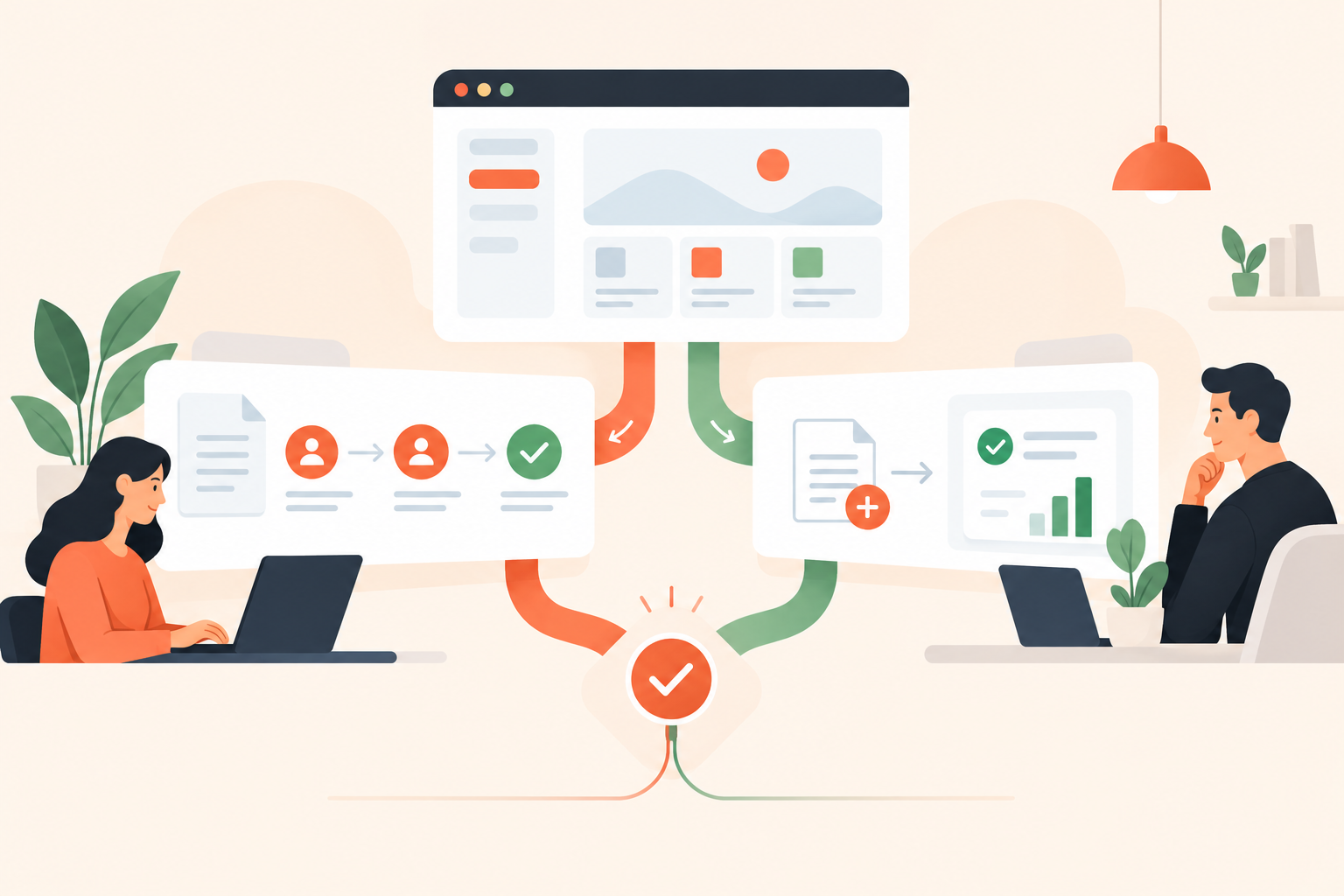
Consider the expense exception. A demo can show a submitted claim, the policy it violates, its route to an approver, and the resulting audit record. The buyer can understand the sequence without configuring anything.
A trial answers the harder question: can we reproduce that outcome with our approval hierarchy and policies? That requires work. Sometimes it's worthwhile work; sometimes it's too much to ask before the buyer understands the premise.
A screenshot-based product tour can make a workflow clear, but it doesn't prove that the buyer's integration will work. Equally, access to a working account doesn't guarantee they'll discover the workflow. Neither format gets to claim the other's evidence.
| What the buyer needs to know | Better starting point | What remains to prove |
|---|---|---|
| Does this address our problem? | Self-serve demo | Whether it works under our conditions |
| Can I complete this simple task? | Free trial | Whether it holds up in regular use |
| How would different roles participate? | Self-serve demo | Whether our team can operate it |
| Will our permissions and integrations work? | Trial or guided evaluation | Any requirements outside the test scope |
When should a self-serve demo come first?
Put the demo first when setup effort arrives before visible value. Buyers shouldn't need to connect systems or recruit colleagues just to understand what you're offering.
This is particularly easy to miss when you know your product well. To your team, creating a workspace and configuring a rule might feel trivial. To a new visitor, those actions involve unfamiliar terminology and decisions they aren't equipped to make yet.
A demo-first route makes sense when:
- The buyer isn't the operator. A department head needs enough confidence to ask an administrator to investigate.
- The product needs populated data. An empty analytics dashboard conceals the insight you're trying to sell.
- The workflow crosses roles. A lone trial user can't easily experience submission, review, escalation, and approval.
- Setup needs permission. Uploading company data or connecting a production system may require internal approval.
In these situations, trial abandonment is ambiguous. The buyer may dislike the product. They may also be waiting for an IT colleague, searching for suitable sample data, or wondering why they should bother.
Don't remove the trial by default. Give buyers a reason to do the work first. A useful demo ends with a clearer evaluation question, not merely a more attractive impression of the interface.
When should the free trial be your primary CTA?
Make the trial primary when a buyer can complete a useful task independently and judge the result. If the product itself answers their question quickly, a mandatory demo is an unnecessary detour.
Take an illustrative document-conversion tool. A visitor uploads a non-sensitive sample, converts it, and checks the exported file. The output is the evidence. Asking them to watch an explanation first could be less helpful than letting them try.
Be strict about “useful,” though. Creating an account isn't value. Completing an onboarding checklist isn't necessarily value either. Those are steps your business wants the user to take; the user wants a result.
Before making “Start free trial” the dominant button, use this checklist:
- Can the buyer finish a meaningful task without another person's involvement?
- Can they start with safe sample data?
- Is the next action clear inside the product?
- Can they recognize a successful result?
- Can they get help when the straightforward path doesn't work?
A trial can still be the right choice if an answer is no. But name the dependency and support it. Don't advertise a self-directed evaluation that quietly relies on a sales engineer to get anyone started.
Should you offer a demo and a free trial on the same page?
Yes, provided the page explains why someone would choose each. Give the likely next step more prominence instead of presenting two vague, equally weighted buttons.
“Get started” beside “Explore” makes visitors interpret your funnel. “Try it with your own file” beside “See a sample result” explains the choice in buyer terms.
The primary action should follow the page's promise. On an expense-policy page, “See how exception routing works” is a sensible next step. On a task-focused page for a simple utility, “Try it with your own file” may be stronger. Keep a route to a person available for technical questions or a supported evaluation.
I wouldn't force every page to use the homepage's CTA hierarchy. Someone reading about a specific workflow has given you useful context. Use it. The same principle applies to top-of-funnel demo engagement: the experience should answer the question that brought the visitor there.
Placement matters less than the promise. Embed the demo when seeing the workflow helps explain the page. Use a dedicated demo page when buyers need more context or several paths. In either case, say what they'll see and whether an account is required.
How do you move buyers from a demo into a useful trial?
Give them a test to run, not an invitation to explore everything. A good handoff names the outcome, the prerequisites, and the evidence that would count as success.
For the expense-management example, the transition could be: “You saw an out-of-policy claim reach its approver. Now test that route with a safe sample claim and your approval rules.” That's more useful than dropping the buyer into a blank workspace with “Enjoy your trial.”
- Choose one outcome. Validate exception routing before asking the buyer to evaluate the entire expense process.
- List the prerequisites. Explain which roles, permissions, and sample data they'll need.
- Define the pass condition. The claim reaches the intended approver and produces an understandable audit record.
- Name what's untested. Passing this check doesn't validate every policy, integration, or edge case.
- Offer help at the dependency. If configuring permissions needs an administrator, make that clear before the buyer gets stuck.
Carry the use case into your onboarding instructions. If the demo focused on approvals, the first trial email shouldn't send the buyer on a tour of every reporting feature.
And don't imply that demo choices automatically configure the trial unless you've built that connection. A clear written handoff is better than a promise your implementation can't keep.
Where does demo automation fit without replacing the trial?
Demo automation handles the prepared explanation before or alongside hands-on testing. Dale, the demo automation platform, fits when buyers need different explanations and your team can't personally deliver every introductory walkthrough.
Pages hold reusable content about a topic or pain point. In a Linear Demo, viewers rate topics Important / Somewhat Important / Not Important. Important topics play first, while topics marked Not Important are omitted. Pages can use a detailed video for Important and a shorter version for Somewhat Important.
That distinction is useful here. A finance leader investigating controls shouldn't have to sit through the same explanation as an operations lead investigating routing. You can see how the Linear Demo topic-selection experience supports those different questions without asking either person to configure an account.
Walkthroughs add screenshot-based steps with tooltips and highlighted areas. They help buyers see how to perform a task, but they remain a prepared experience, not a test against the buyer's live systems.
The explanation can also help during a trial. Reps can generate custom topic links that send a prospect straight to the relevant content. If someone gets stuck understanding exception handling, send that explanation rather than restarting the full product story.
Try the Dale interactive demo to assess the viewer experience, and check Dale pricing for the capabilities available on each plan. Choose interactive demo software around the evaluation problem you're solving, not the number of formats you could publish.
How should you compare demo-first and trial-first results?
Compare meaningful evaluations and qualified opportunities, not raw demo views against trial signups. Those actions involve different commitments and aren't equivalent conversions.
Start by defining trial activation as an observable buyer outcome. For the expense example, that might mean successfully routing the sample exception, not inviting a colleague or visiting the settings page.
Then track whether buyers who saw the demo reached that outcome, where they stalled, and what support they needed. Keep acquisition source and landing page visible. Traffic from a technical tutorial shouldn't be treated as interchangeable with traffic from a broad awareness campaign.
Use Buying Intent Signals from demo engagement to inform follow-up, not to declare certainty. Replaying the security explanation might reflect interest, confusion, or preparation for an internal review. The useful response is a relevant question, not an assumption that the deal is ready.
Record buyers who use both paths. Otherwise, you risk crediting the trial for an evaluation the demo made possible, or celebrating demo engagement that never led to a real test.
How do you choose what to change first?
Choose one high-intent page and compare its promise with the effort its CTA requires. Fix the first mismatch before redesigning the whole funnel.
Ask someone unfamiliar with the product to follow that path without coaching. Have them explain what they've learned, what remains unproven, and what they'd do next. If they reach an empty dashboard still asking what the product does, build the missing explanation. If they understand the promise and just want to try the task, get out of their way.