
The new demo looks great. Then an account executive asks whether the link she sent to a procurement team last week will still work after you cancel the old tool. Nobody has checked.
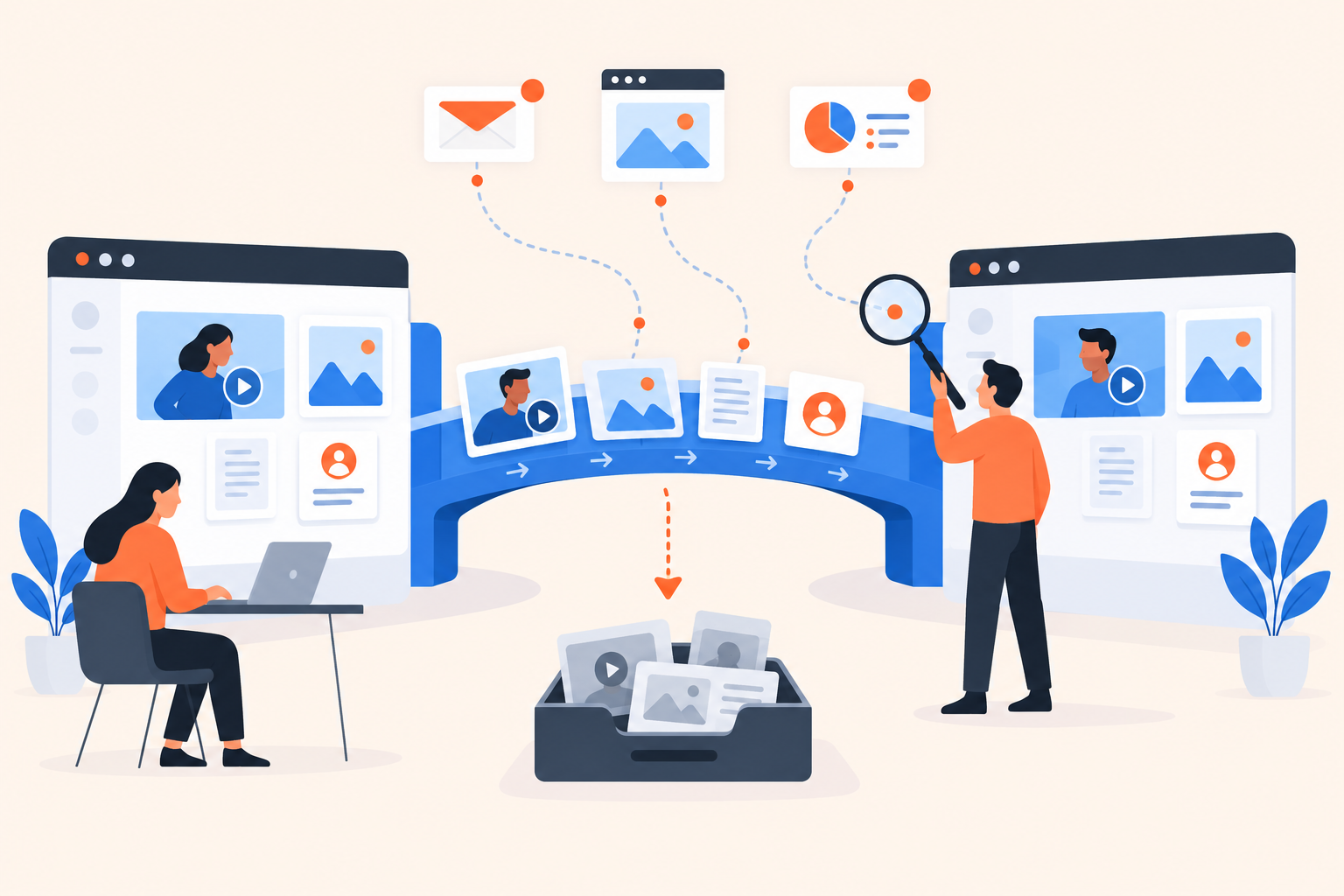
Interactive demo software migration means moving or rebuilding content, replacing distribution links and preserving the buyer context sales still needs. Evaluate the replacement by testing a complete buyer journey, not just its editor, and confirm what happens to old links and data before cancellation. Treat anything you haven't verified as an open dependency, not a feature you assume exists.
I wouldn't approve a switch because someone rebuilt the homepage product tour in an afternoon. I'd want to see what happens when a known prospect opens the replacement, downloads a document and receives a follow-up.
What actually needs to move when you switch demo tools?
You need to account for source content, experience logic, distribution, buyer history and follow-up rules. These are separate migration jobs, even when your current tool presents them in one dashboard.
Migration portability is the ability to recover and reuse your content, data and operating process without depending on continued access to the old platform.
A video file may be reusable. The branching around it may not be. A contact export might preserve email addresses while leaving behind the topic preferences that made those contacts worth calling.
Build a register before you request a quote:
- Source assets: Original videos, screenshots, scripts, documents and approved messaging.
- Experience logic: Step order, branches, topic choices, prompts and calls to action.
- Distribution: Embeds, sales templates, campaign links, partner presentations and active deal follow-ups.
- Buyer context: Identified viewers, activity dates, content interests and completed outreach.
- Operating rules: Ownership, scoring, CRM updates, automated emails and reporting definitions.
Give each item an owner and a treatment: reuse, rebuild, archive or retire. An owner matters more than a tidy spreadsheet. If nobody owns the onboarding demo embedded in your help content, nobody is likely to notice when it stops working.
Don't make a faithful copy of an untidy library. As an illustrative example, twelve published demos might contain only four distinct product stories, with the rest being outdated campaign variations. Consolidating those is part of the migration, not a distraction from it.
How do you compare migration support without trusting a sales promise?
Ask vendors to demonstrate the specific transfer you need and define who does the work. “We support migrations” is incomplete until it names the assets, deliverables, exclusions and acceptance criteria.
Use the same test for every shortlisted platform. Supply a representative experience with a branch, a document, a prompt and a follow-up requirement. Then ask what can move directly and what someone must rebuild.
| Question | Evidence to request | What it reveals |
|---|---|---|
| Can we recover the content? | A sample export with file formats | Whether you get reusable assets or just records |
| Can the experience move? | A working import or scoped rebuild | The authoring effort behind the promise |
| Can buyer history move? | Sample events with identifiers and dates | Whether context survives beyond a contact list |
| What happens after cancellation? | Written link, access and retention terms | How much overlap or replacement work you need |
| Can we leave the replacement later? | Export scope and access conditions | Whether you're repeating the same dependency |
Keep “unverified” as a valid answer in your comparison. Don't turn it into a checkmark because the vendor said their team could probably help.
Also separate platform capability from migration services. A vendor might upload videos but leave branch rebuilding, CRM mapping and website changes to your team. Those are different jobs with different owners.
What should you export before cancelling your demo software?
Export the assets and records you're permitted to retain while you still have the necessary access. Then open the files and check that they answer real operational questions.
For example: can a rep tell which integration topic an active prospect explored, when it happened and whether anyone followed up? A spreadsheet containing only an email address and a cumulative engagement score won't answer that.
How do you check whether an export is usable?
Trace a known contact through the files. Check for stable identifiers, original event dates, time zones and enough content information to interpret the activity. If an event refers to an internal demo ID, preserve the mapping between that ID and its title.
Do the same with content. Confirm that your team has the original video, the current attachment and the screenshots needed to rebuild the experience. A published URL is not a source asset.
Which history belongs in an archive?
Preserve active-opportunity context where sellers can use it, such as an approved CRM note or supported activity record. Keep historical reporting in a controlled archive if it doesn't belong in the replacement platform.
Agree retention and access rules with the relevant data owner. The goal isn't to copy every personal record indefinitely. It's to preserve what the business legitimately needs without creating an unmanaged second database.
How do you keep shared demo links from breaking?
Inventory where links appear, then give each placement a replacement, temporary overlap or retirement plan. Don't assume a vendor-hosted URL will redirect or remain available after cancellation.
The website is the visible part. The harder cases are links in sent emails, calendar confirmations, partner decks and documents already circulating inside a buying committee.
- Search owned surfaces. Check your website, landing pages, help content and in-app guidance for old URLs and embeds.
- Search sending systems. Review active sequences, email signatures, templates and saved snippets.
- Review open opportunities. Ask account owners which prospects still need previously shared content.
- Assign a treatment. Replace editable links, send fresh links where necessary and confirm any temporary access in writing.
- Test externally. Open the destination without an internal login and verify the prompt, attachment and next action.
For broadly distributed resources, a company-controlled landing page can provide a stable entry point. You can replace its embedded experience without changing the page's address. That doesn't solve every use case: individually tracked invitations serve a different purpose.
Replacing an old invitation with a generic public link doesn't automatically carry the viewer's identity across. Review personalized demo links and sharing options before changing how reps distribute content.
Where you can't update a sent link, give the rep a practical message: “Here's the current walkthrough of the approval workflow we discussed.” The buyer needs the right material, not an explanation of your software procurement project.
Should old engagement feed your new lead scores?
Only if the destination supports that data and your scoring rules preserve its age and meaning. Otherwise, retain it as historical context rather than treating it as fresh buying intent.
A replay from months ago shouldn't look like a replay this morning. Nor should a “completed demo” event automatically mean the same thing across platforms. One experience may require every step; another may let viewers skip irrelevant topics.
Keep original timestamps and source labels wherever possible. If those aren't available, be conservative about using the records to trigger outreach.
I'd rather give an account executive a clear note saying “Previously explored approval controls; technical review already scheduled” than import a vague score that sends the contact back into an introductory sequence.
Before cutover, inspect your CRM and workflow integration options at field level. Decide which system owns each update, what happens when a contact already exists and whether an imported record could trigger an email. Test those cases with internal contacts before involving prospects.
Pause overlapping automation deliberately. Then activate the replacement workflow only after confirming that one buyer action produces the intended record and message, not duplicate outreach from both systems.
Where does Dale fit in a demo software migration?
Dale, the demo automation platform, is worth evaluating when you want buyers to choose relevant content and give sales useful engagement context. Treat it as a replacement workflow to build and test, not an assumed importer of another platform's demos.
Its Pages organize content around topics or pain points and can be reused across demos. Each Page has video placeholders for Important and Somewhat Important; viewers choosing Not Important skip that topic. You can use one video for both levels.
A Linear Demo built around topic ratings puts Important topics first. A Branched Demo routes viewers through preset choices, such as industry, role or use case, to the matching demo. Walkthroughs provide screenshot-based click-through experiences with tooltips and highlighted areas.
Consider an illustrative migration: your library repeats the same approval-workflow explanation across several persona demos. Instead of rebuilding every copy, you could make that explanation a reusable Page and design the surrounding experience around each audience. You still need to review the content, configure the logic and test it.
Buying Intent Signals from demo engagement include topic ratings, rewatches, document downloads and link clicks. Lead Scoring, Segments and Campaigns can support prioritization and follow-up, subject to plan availability.
The documented contact-list export shouldn't be mistaken for complete experience portability. Confirm any required content exports, historical-data imports or migration assistance separately. Check Dale pricing against the demo types, contact capacity and workflow features you actually need.
How do you estimate migration effort and decide when to switch?
Rebuild one representative buyer journey before estimating the whole library, and switch only when that journey passes an end-to-end test. Count distribution and workflow work alongside authoring time.
Choose something genuinely used by sales, not the easiest demo available. Record time spent finding source files, updating claims, rebuilding steps, getting approval, replacing links and correcting CRM behavior.
Use that pilot to separate simple reuse from complex reconstruction. Add temporary subscription overlap where needed, and assign someone to confirm cancellation timing. A short demo with many active distribution points can require more coordination than a long video on one landing page.
Keep the final go-live check short enough that someone will actually use it:
- Retained content has an owner and approval.
- External viewers can open links, attachments and CTAs.
- Known and anonymous viewer journeys behave as expected.
- CRM activity and follow-up have been tested.
- Old and new automation cannot send duplicate messages.
- Historical exports are readable and access-controlled.
- Reps have a plan for previously shared links.
- Cancellation terms and remaining access are confirmed.
For your next evaluation session, open the Dale interactive demo alongside one demo your reps currently send. Map its content, viewer choices, distribution points and follow-up into a pilot worksheet. Ask the vendor to resolve the gaps before you agree to a launch date.