
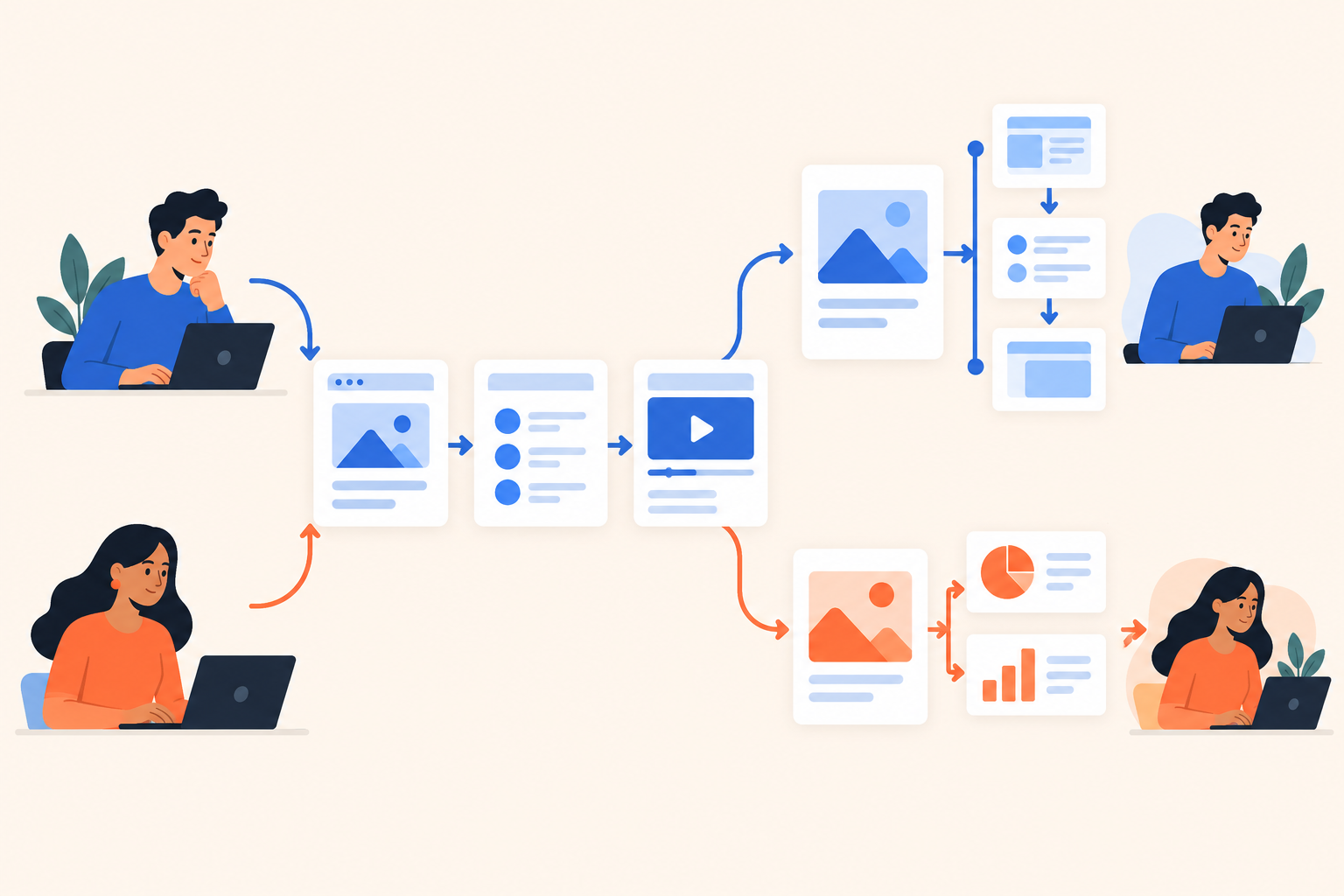
A prospect interrupts your demo: “Can we skip the dashboard and look at assignment rules?” Later that afternoon, another buyer wants the dashboard but has no interest in assignment rules. If your team hears some version of this regularly, the problem isn't presentation quality. You're starting with a fixed agenda when the buyer's agenda is still unknown.
A product tour explains a defined workflow; a personalized demo changes the content, order or depth around the viewer's needs. Choose a tour when the visitor's question is already clear, and a personalized demo when deciding what matters is part of the evaluation. You can also put a focused tour inside a personalized demo.
That's the useful starting point for the personalized demo vs product tour decision. I wouldn't start by comparing editors. I'd start by asking what we know about the buyer before they click.
What's the actual difference between a personalized demo and a product tour?
The difference is how relevance gets decided. A product tour usually starts with a path the creator has chosen; a personalized demo changes that path or its content using buyer context and priorities.
Product tour: A guided explanation of a product or workflow, often using screenshots, tooltips and clickable steps.
Personalized demo: A demonstration that adapts what it shows, or how deeply it explains something, to a particular viewer.
Those definitions overlap. A tour can branch. A personalized demo can include a click-through walkthrough. Treat these as experience patterns, not mutually exclusive software categories.
The distinction matters because superficial personalization is easy to mistake for relevance. Putting a prospect's company name on the welcome screen doesn't answer their integration question any faster. Asking their role helps only if the answer changes what happens next.
My test is simple: would two buyers with different problems receive meaningfully different proof? If not, you've personalized the greeting, not the demonstration.
When is a product tour the better choice?
Choose a product tour when the entry point already tells you what the visitor wants to see. An extra discovery step can become friction when the question is known.
Consider someone clicking “See how report exports work” on a reporting feature page. Show the report, the export settings and the resulting file. Don't ask them to select their department before delivering the answer they requested.
This is where a tightly edited tour earns its place. The sequence has a job: establish the starting point, show the action, then make the result visible. A tooltip saying “Click Export” is less useful than one explaining whether the export preserves the filters the buyer just applied.
The same logic applies to a feature announcement, an onboarding task or a focused follow-up after a call. Context has already done the routing.
How do you know a workflow needs a tour?
- The entry point names a task. The viewer arrived from a specific feature page, support question or campaign.
- The order matters. The final result makes sense only after the preceding steps.
- The explanation is broadly shared. Different viewers need much the same proof.
- Success means understanding. The viewer should leave knowing how the workflow operates.
Our product tours page covers this focused use case. The discipline is knowing where to stop. Don't turn a useful answer about exports into a compulsory tour of the entire analytics module.
When does a personalized demo justify the extra choices?
A personalized demo is worth the extra interaction when buyers need different evidence and you can't infer their priorities from the entry point. Each choice should remove irrelevant material or change the depth of the explanation.
Imagine a sales-operations product that handles territory assignment, manager reporting, approval workflows and mobile activity capture. A sales director may care about forecast reviews. An operations manager may care about leads stuck between territories. Giving both the same overview leaves someone waiting.
Dale, the demo automation platform, handles this through two distinct mechanisms. A Branched Demo routes viewers using preset choices such as industry, role or use case. A Linear Demo lets viewers rate topics Important / Somewhat Important / Not Important, then assembles the experience around those priorities.
These solve different problems. A branch establishes context; topic ratings establish priorities within that context. Two operations managers can choose the same branch and still want different demonstrations.
Pages hold the topic content. Each Page has a detailed-video placeholder for Important and a shorter-video placeholder for Somewhat Important, although one video can serve both. Not Important topics aren't shown, and Important topics play first. Walkthroughs can follow the topic video with screenshot-based, step-by-step interaction.
Use Branched Demo routing when the audience distinction actually changes the story. Don't ask for industry if every industry receives identical proof. And label topics as buyer problems: “How do I stop leads going unassigned?” gives someone a clearer choice than “Advanced routing capabilities.”
How should you compare the two experiences?
Compare them against the same buyer question and entry point. Otherwise, you're judging production quality rather than whether the format helps someone evaluate your product.
| Question | Focused product tour | Buyer-led personalized demo |
|---|---|---|
| What do we know at entry? | The task the visitor wants explained | The audience or problem still needs narrowing |
| Who chooses the path? | Usually the creator | Viewer choices influence content or sequence |
| How does depth change? | Usually a defined explanation | It can change with stated priorities |
| What can skipping mean? | A step wasn't needed or the viewer left | A topic may have been deliberately deprioritized |
| What does sales learn? | Engagement with a known workflow | Declared priorities plus subsequent engagement |
Neither column wins automatically. A long topic selector can be more work than a concise tour. A polished tour can still answer the wrong question.
For an illustrative test, give each experience the same assignment: help an operations manager assess territory exceptions. Watch whether they reach the exception-handling proof, understand the result and know what to do next. Count unnecessary decisions, not just clicks.
Also separate relevance choices from identity capture. “What would you like to see?” and “What's your work email?” ask for different things. The first should improve the experience immediately. The second needs a reason that makes sense to the buyer.
Does a personalized demo give sales better qualification data?
It can give sales better context because stated priorities add meaning to observed behavior. Neither a topic rating nor a completed tour, however, proves that a purchase is underway.
Suppose a viewer marks reporting Important, replays the forecast explanation and downloads an implementation document. That's a sensible reason to ask about their reporting process. It isn't evidence that they have budget or an approved project.
Dale's Buying Intent Signals include topic ratings, rewatches, Walkthroughs activity, document downloads and sharing. Lead Scoring combines behavioral intent with fit, provides separate Intent and Fit scores, and supports configurable weights and decay. Contacts who haven't opened a demo remain New rather than being marked Cold.
That last distinction is easy to overlook. No observed behavior isn't negative intent. Likewise, a highly engaged viewer can still be a poor fit. Use Buying Intent Signals to prepare a better conversation, not to declare discovery finished.
What should the sales handoff contain?
A usable handoff separates observation from interpretation. “Selected reporting, replayed forecast setup, downloaded implementation notes” is evidence. “Likely evaluating a reporting change” is a hypothesis. Keep both visible, but don't confuse them.
The rep also needs context and recency: who the viewer is, which audience path they chose and when the meaningful activity happened. “Ask how reporting affects their weekly forecast review” is a stronger next action than “Follow up, high engagement.”
I use a practical test here: give an account executive the activity record without a verbal explanation from marketing. If they can't write a relevant opening question, the handoff needs work.
Will personalization create a content maintenance problem?
It will if every audience gets a separate copy of the same material. Reusable topics reduce duplication, but someone still has to own the accuracy and usefulness of each explanation.
Before recording anything, separate your content into shared proof, optional proof and genuinely audience-specific proof. Reporting might be shared. A particular approval workflow might be optional. Industry terminology may require a different explanation rather than a different opening title.
Reusable Pages provide one source of truth across demos. A Linear Demo organized around buyer priorities can select and order those topics without requiring a full recording for every combination.
That doesn't make maintenance disappear. A changed interface may require new Walkthroughs. A rewritten workflow may need a new video. A shorter explanation still needs to make sense without the detailed version beside it.
Assign ownership by topic, not just by finished demo. When assignment rules change, someone should know which explanation needs review. Otherwise, a shared library becomes a well-organized collection of outdated promises.
How do you evaluate interactive demo software without overbuilding?
Test one complete buyer journey, including the sales handoff and a content update. Publishing the first attractive experience tells you very little about the ongoing workload.
- Pick a real entry point. Use a feature page for a focused tour or a broad evaluation page for buyer-selected content.
- Write the decision the buyer needs to make. “Can this handle our territory exceptions?” is useful. “Understand the platform” is too vague.
- Build only the proof that decision requires. Add choices where they change relevance, not because the editor supports them.
- Inspect the handoff. Ask a rep what they'd do with the captured information.
- Update shared content. Check the effort required to keep every affected experience accurate.
- Verify the package and connections. Confirm access to your demo type, scoring, contact capacity and required CRM workflow.
Check supported integrations and connection methods rather than assuming every CRM connection works the same way. A native connection and a workflow through webhooks can both be useful, but they create different implementation responsibilities.
For this platform, Dale pricing lists current packaging and a free trial. Linear Demo, Branched Demo and Lead Scoring don't all start on the same plan. Price the workflow you intend to run, not just the simplest experience you can publish.
What should you build first?
Build around the relevance problem your team encounters most often. If buyers struggle to understand one workflow, start with a tour; if they repeatedly ask to skip different sections, start with buyer-selected content.
Before committing, check:
- Does the entry point already reveal the viewer's question?
- Would a role or priority choice change the proof we show?
- Does someone own the content after publication?
- Will the captured information change the next sales conversation?
Take a recent sales call and mark what the buyer needed, skipped and asked to revisit. Then try the Dale interactive demo with those priorities in mind. Use that call to sketch your first path before you open an editor.