
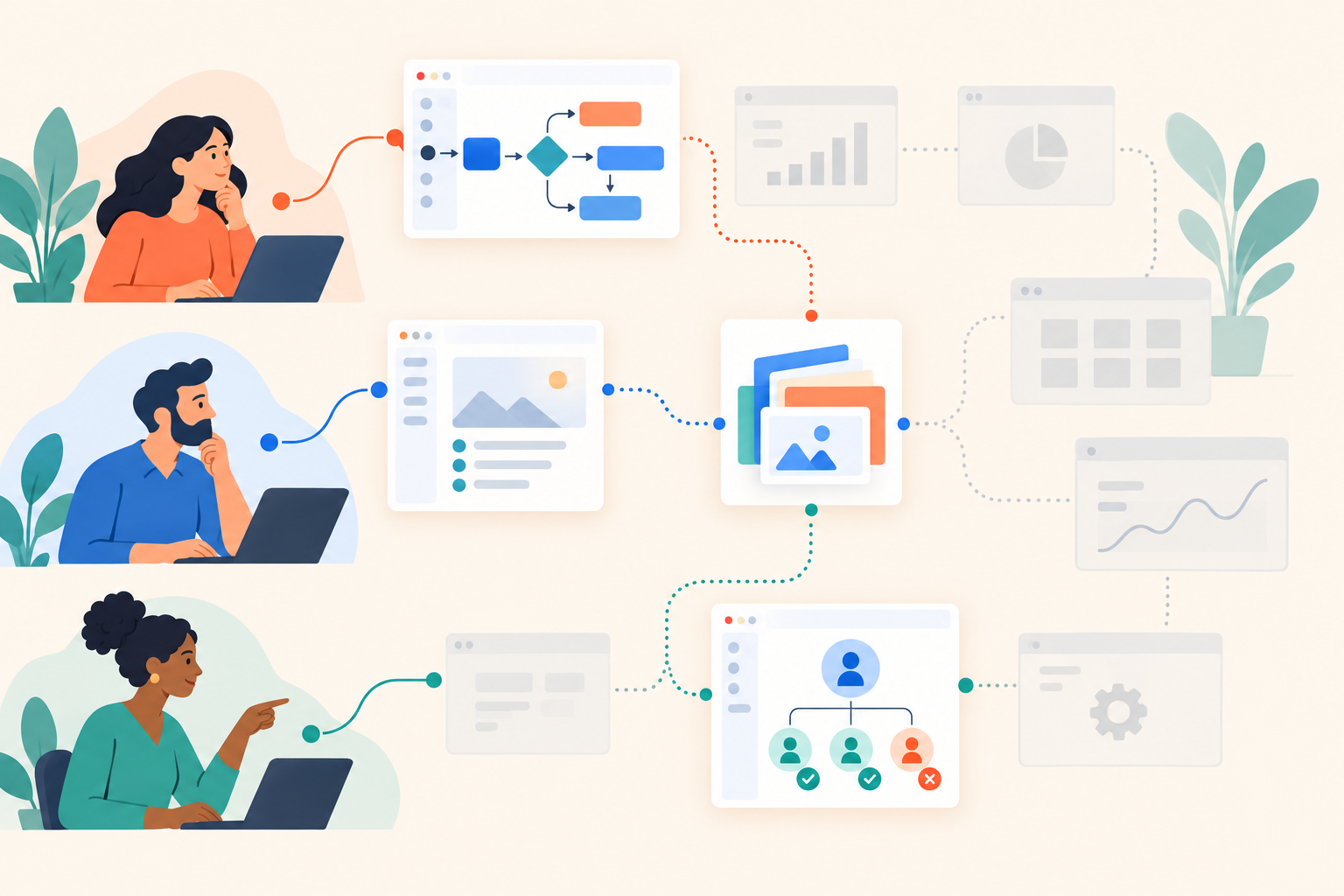
Your operations buyer wants to see shift coverage. Finance wants overtime controls. IT wants permissions. Yet the link in your follow-up email sends all of them through the same dashboard tour, with their actual question somewhere near the end.
For multi-persona SaaS sales, evaluate Navattic alternatives by whether buyers can reach the right story, choose its depth and leave useful context for sales. Test content maintenance and the required plan alongside that experience. A more polished tour won't fix a demo that answers the wrong questions.
Dale, the demo automation platform, fits this evaluation when you want buyers to choose their priorities and have prepared content assembled around those choices. But first, decide whether that is the problem you actually need to solve.
When is it worth looking at Navattic alternatives?
Look at alternatives when your current demo process cannot support the buyer experience or sales handoff you need. Don't switch because another editor makes a nicer tooltip.
I'd start by examining the work around the demo. Are reps sending timestamps so buyers can skip irrelevant sections? Does pre-sales rebuild essentially the same presentation for every discovery call? Does marketing report tour completions while sales still asks, “What did this person care about?” Those are useful symptoms to investigate.
They aren't automatically software problems. A tour organized around your navigation menu will still feel like a navigation menu after you move it to another platform. Before replacing anything, rewrite one story around a buyer's decision: “Can I cover an absent employee's shift without approving overtime?” is more useful than “Scheduling dashboard overview.”
Then test whether your existing platform can deliver it. The Dale vs Navattic comparison is a starting point for a vendor-level evaluation, but verify current capabilities and plan availability with both vendors. This article compares demo designs and operating requirements, not an assumed list of Navattic limitations.
What should change between a product tour and a personalized demo?
A product tour explains a defined workflow; a buyer-personalized demo changes the content, order or depth to match the viewer's needs. Clicking through screens makes an experience interactive, but doesn't necessarily make the story relevant.
Working definition: Buyer-led personalization uses explicit choices, such as role or topic importance, to decide what someone sees. Adding a company name changes the presentation; removing an irrelevant explanation changes the experience.
Consider an illustrative workforce software evaluation. The operations lead might want to inspect shift reassignment step by step. Finance may only need a short explanation of how overtime approval works. Both care about staffing, but they aren't making the same decision.
The designs below aren't mutually exclusive. A platform may support several, and a buying journey may need more than one.
| Demo design | What changes? | When I'd use it |
|---|---|---|
| Fixed product tour | The viewer moves through a prepared sequence. | Everyone needs to understand the same workflow. |
| Role-routed demo | The viewer enters a story for their audience. | Finance and operations need different explanations. |
| Priority-led demo | Topic choices determine content, order and depth. | Buyers within the same role have different problems. |
| Rep-curated follow-up | The seller selects content after a conversation. | Discovery has already established what matters. |
I wouldn't add a role selector to a simple feature announcement. If every visitor needs to learn how to approve an expense, show that workflow. Every question you put before the demonstration asks the buyer to do work. Make that work earn its place.
How do you personalize demos without building a separate library for every persona?
Build around reusable buyer problems, then add routing only where the explanation genuinely changes. A role should narrow the options, not dictate everything a person must watch.
Two operations leaders can have opposite priorities. One is dealing with uncovered shifts; the other has coverage under control but cannot explain exceptions to regional managers. “Operations” is useful context. It isn't discovery.
How do routing and topic selection work together?
A Branched Demo routes viewers through preset role, industry or use-case choices to a matching Linear Demo or Basic Demo. A Linear Demo lets viewers rate topics Important / Somewhat Important / Not Important, then assembles the experience around those responses, with Important topics first.
Pages hold the topic content. Each has a longer video placeholder for Important and a shorter one for Somewhat Important; Not Important topics are omitted. You can use the same video for both levels when a separate short explanation adds little value.
That distinction matters. The system assembles content your team prepared; it doesn't invent a new product demonstration. Someone still has to decide what a good explanation looks like.
For the workforce software example, I'd structure the content this way:
- Choose a useful dividing line. Route by operations, finance or IT only if those audiences need different stories.
- Name the problem. Use “Cover an absent employee's shift,” not an internal module name.
- Separate the overview from the detail. Explain the outcome briefly, then show rules and exceptions in the deeper version.
- Add interaction where it helps. Use screenshot-based Walkthroughs when clicking through the workflow improves understanding.
- Keep supporting material relevant. Attach the permissions document to the permissions topic, rather than giving everyone an undifferentiated document pile.
Review the Linear Demo topic-selection experience against your content outline. If you struggle to write distinct buyer questions, resolve that before recording more videos.
Reuse has limits, too. Finance and IT may both ask about permissions, but finance wants spending controls while IT wants administrative boundaries. Share a Page when it answers the same question, not merely because it shows the same screen.
What buying intent should sales receive after a demo?
Sales should receive the buyer's stated priorities, relevant behavior and fit context, not just a completion notification. The handoff needs to support a useful next question.
Separate what someone told you from what you inferred. A topic marked Important is an explicit preference. A replay is behavior: it could mean interest, confusion or an interruption. Treating every replay as purchase readiness makes follow-up worse.
Suppose, in our illustrative evaluation, an IT buyer marks permissions Important, replays the explanation and downloads the related document. A sensible follow-up is, “Are permission boundaries something your team needs to validate before moving forward?” It isn't, “I saw you watched our demo, would you like a call?”
Buying Intent Signals include topic ratings, rewatches, Walkthroughs activity, link clicks, document downloads and sharing. Lead Scoring separates Intent and Fit scores, with configurable weights and decay. The distinction helps you avoid putting an enthusiastic visitor outside your market ahead of a relevant evaluator.
Read the intent and fit scoring model, then ask your sales team which signals would actually change their next action. A score without an explanation gives a rep another number to distrust.
What should you test in the sales handoff?
Ask a rep to use the resulting contact context without opening the demo themselves. They should be able to identify:
- The role or use case the buyer selected.
- The topics the buyer marked Important.
- The behavior worth investigating, without overstating what it means.
- The evidence that the contact fits your target market.
- A relevant question, document or demonstration to send next.
Segments can group contacts by behavior, and Campaigns can trigger follow-up when contacts join those groups. Set the sales rule before the automation. A permissions-document download might justify a technical resource; it doesn't automatically justify an urgent meeting request.
Include your sales systems owner in this test. HubSpot connects natively, while Salesforce and other CRMs connect through Zapier or webhooks. Check the available integration paths and confirm the fields and activities your team needs. “Connects to our CRM” is not a complete acceptance criterion.
How do you compare the real cost of switching demo platforms?
Compare the subscription required for your intended workflow, plus the labor needed to build and maintain it. Entry-level pricing is a poor benchmark if your design depends on branching, scoring or automated follow-up.
For this platform, Linear Demo starts with Essential; Branched Demo and Lead Scoring start with Advanced. Use Dale pricing to check current inclusions, published-demo limits and contact allowances. A free trial is available, so put a representative workflow into the evaluation rather than relying only on a vendor presentation.
Content maintenance deserves its own test. Ask: “Our permissions screen changed. What must we update?” Reusable Pages can serve multiple demos, reducing duplication at the topic level. But someone still needs to update the underlying content and check that every use remains accurate.
Production is another practical boundary. There is no built-in screen recording; you upload videos or use supported sources such as YouTube or Vimeo. If your team wants capture and publishing in one tool, make that requirement explicit rather than discovering the gap after purchase.
Don't assume a one-click migration either. Existing videos, screenshots and documents may be useful inputs, but audit their suitability. A recording that spends its opening minutes on a generic company introduction probably needs editing before it becomes a focused topic.
How should you run a migration pilot?
Choose the buyer journey that causes the most repetitive preparation, not necessarily your busiest website tour. It gives you a concrete operational problem to test.
- Collect the buyer questions. Use discovery notes and follow-up emails, not just the existing demo outline.
- Choose a bounded scope. For example, test one audience and its core workflow before building every persona route.
- Assign ownership. Name who checks content accuracy, routing and the sales handoff.
- Test a product change. Update one shared explanation and inspect every demo that uses it.
- Plan link replacement. Inventory website placements and active outreach links before retiring old assets.
How should you make the final choice?
Choose the simplest demo design that answers your buyers' questions and supports useful follow-up. Keep live discovery for judgment, technical validation and trade-offs that prepared content cannot resolve.
Before signing, use this short acceptance checklist:
- Buyer relevance: can someone skip what doesn't matter?
- Useful depth: can an evaluator get detail without forcing it on everyone?
- Sales context: can a rep explain the next action from the available evidence?
- Maintainability: can an owner update shared content without hunting through copies?
- Plan fit: does the quoted plan support the workflow you tested?
Bring one real buyer scenario to the Dale interactive demo, then use that same scenario with every shortlisted vendor. Have a rep write the follow-up from the resulting context. If it still reads like a generic “checking in” email, investigate what's missing before you commit.